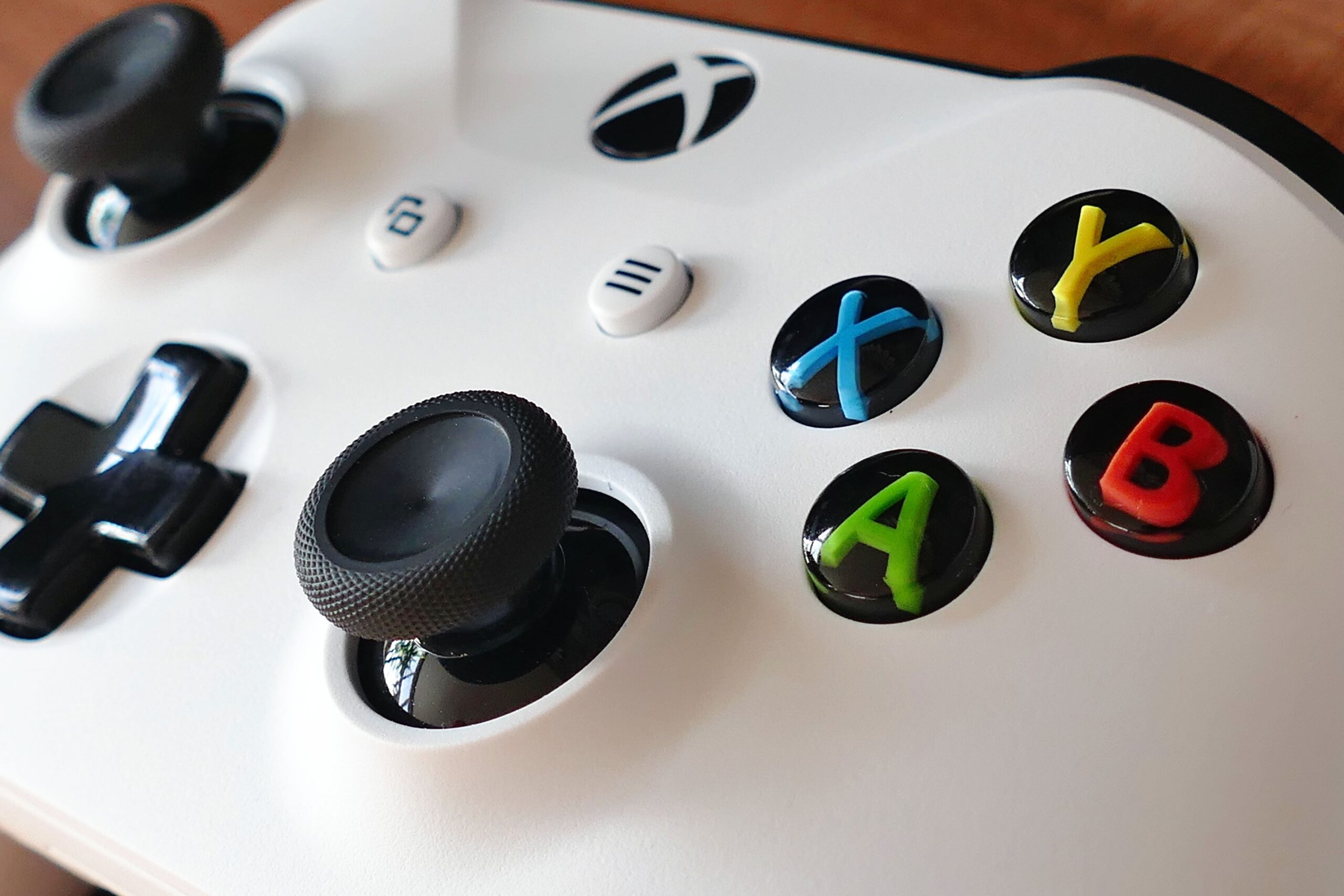

Let me start with a confession that every Xbox owner will recognise: I bought my Xbox One for the games of today, and I ended up spending most of my time replaying the games of the past. The Xbox has always been the retro console in disguise, the machine that quietly kept the classics alive through backwards compatibility while the rest of the industry moved on to remasters and reboots. The honest truth is that the Xbox One and the Series X and S are the best retro consoles you can buy today, not because of what they launch with, but because of the huge library of original Xbox and Xbox 360 games they can play, the official retro collections they sell, and the fact that so many classic titles are just a download away. This guide is the complete tour of retro gaming on Xbox, the honest version: what actually works, what does not, which collections are worth your money, and how to turn your modern console into the machine that plays the entire history of gaming.
Why the Xbox Is a Retro Gaming Powerhouse
The honest answer starts with a word that Xbox owners hear a lot: backwards compatibility. Microsoft spent years building a library of classic Xbox and Xbox 360 games that run on modern hardware, and it is the single biggest retro library on any current console. The Series X and S continue that legacy, with hundreds of original Xbox and Xbox 360 games running with improved resolution, faster loading and even better framerates than the originals. Add the fact that Xbox has always been generous with old games, from the Game Pass catalogue to the frequent sales that drop classic titles to a few euros, and you have a machine that plays your childhood for almost nothing. The honest comparison to PlayStation and Nintendo is simple: no other modern console lets you play so many games from the previous two generations natively, without emulation, without subscriptions, just bought once and played forever.
Backwards Compatibility: The Original Xbox Library
Let me be honest about the original Xbox first, because it is the smallest part of the story. Microsoft made a curated list of original Xbox games playable on modern consoles, and it is not every game ever made, it is a selection of around sixty titles, from Halo and Fable to Ninja Gaiden Black and Star Wars: Knights of the Old Republic. The good news is that the games that made the list run beautifully, with upscaled resolution and stable framerates, and many of them are also on Game Pass. The honest warning is that if your favourite original Xbox game is not on the list, it is probably not coming, because the emulation effort stopped years ago. My advice is to check the official backwards compatibility list before you buy an old disc, and to treat the original Xbox as a bonus, not the main event, because the Xbox 360 library is where the real treasure is.
Xbox 360 Games on Modern Xbox Consoles
This is the part of the story that makes the Xbox special. Over six hundred Xbox 360 games run on the Xbox One and the Series X and S, everything from Gears of War and Mass Effect to Red Dead Redemption and Portal 2, and the honest truth is that many of them run better on modern hardware than they ever did on the original console. The Series X in particular uses its raw power to run 360 games at higher resolutions, often at 60 frames per second, with faster loading that removes the infamous install-and-load screens of that generation. You can insert your old disc and play instantly, or buy the digital version once and play it on every Xbox you will ever own. The honest caveat is that online features for many 360 games are long gone, so buy the old shooters for the campaigns, not the multiplayer.
Retro Games on Game Pass: The Honest Deal
If you want to play classic games without spending anything extra, Game Pass is the answer, and it is the honest best value in retro gaming. The catalogue includes dozens of classic Xbox and Xbox 360 games, from the Halo Master Chief Collection to Banjo-Kazooie, both Nuts and Bolts and the original, plus modern titles that will one day be retro. The honest way to use Game Pass for retro gaming is as a buffet: you pay one subscription, you try everything, and you buy the games you love so you can keep them forever. The catch is that Game Pass rotates its catalogue, so the game you are playing today might leave next month, which is exactly why my advice is to treat it as a trial service, not a library. Play for free, buy what you love, and let Microsoft subsidise your nostalgia.
The Official Retro Collections Worth Buying
Beyond backwards compatibility, the Xbox store is full of official retro collections, and the honest truth is that some are brilliant and some are cash grabs. The collections that deserve your money are the ones with real work behind them: Rare Replay, which bundles thirty classic games from the 1980s to the Kinect era, is the single best retro value on any platform; the Capcom Fighting Collection and the Street Fighter Anniversary collections are superb; and the Sonic Origins collection is a faithful way to replay the classics. The collections to avoid are the cheap arcade packs that pad out their game lists with junk, and any collection that asks you to pay again for a game you already own. My honest rule is to check the reviews, and to remember that a curated collection from a major publisher is almost always better than a fifty-game compilation from a name you have never heard.
Retro Games on Xbox Series X and S
The Series X and S take everything I have described and make it better, and the honest difference is worth understanding. The Series X is the one to buy if retro performance matters to you, because its power lets dozens of Xbox 360 games run at higher resolutions and smoother framerates, and it supports Quick Resume, which lets you switch between retro games instantly, like save states on a modern console. The Series S does the same job with less power, and most retro games run perfectly on it, but the newest classics can feel less smooth. The honest comparison is that both consoles play the same library of original Xbox and Xbox 360 games, so the choice is about power, storage and price, not about which games you can play. For pure retro value, the Series S is hard to beat.
Retro Games on Xbox One
If you still have an Xbox One, the honest news is that you do not need to upgrade for retro gaming. The Xbox One runs the same backwards compatibility library as the Series consoles, with the same curated list of original Xbox and Xbox 360 games, and most of them play just fine. The differences are in the extras: the One lacks Quick Resume, and the older games run at their original resolutions rather than the boosted ones the Series X delivers. My honest advice is that the Xbox One is a perfectly good retro console, especially for the 360 library, and you should only upgrade to a Series X if you want the best possible picture and loading speed, not if you just want to play the classics. Save your money, play your games.
Dev Mode and Emulation: The Honest Answer
Now for the question everyone asks: can I install emulators on my Xbox? The honest answer is complicated. The Xbox Series consoles have a Developer Mode, and it is possible to run emulators through it, including retro emulators, but it is not a friendly experience: you pay a small fee to Microsoft for a developer account, you set up the developer environment, and you sideload apps that are not exactly designed for casual users. The honest verdict is that this is a power-user hobby, not a recommendation for most people, and the practical result is that you get emulation that is often inferior to what a cheap Android box or a Raspberry Pi can do for a fraction of the effort. My advice is to use the Xbox for the official retro library, which is already enormous, and to leave emulation to the platforms built for it.
Controllers for Retro Gaming on Xbox
The Xbox controller is the honest best controller for modern gaming, and it is also a great retro controller, which is convenient because you already own one. The standard Xbox Series controller works with every retro game on the console, the original Xbox and Xbox 360 games are mapped to it automatically, and the button layout is familiar enough for most classic games. For the purist experience, the Retro-Bit Sega Saturn and the PDP Fight Pad are excellent options that mimic classic controllers and work natively with the Xbox, and there are arcade sticks for fighting game fans. The honest advice is simple: start with the controller you have, and only buy a classic-style pad if you feel the modern one ruins the nostalgia. The games play the same either way.
Where to Find Retro Games: Discs, Digital and Sales
Building a retro library on Xbox is easier and cheaper than on any other console, and the honest guide starts with the two sources. The first is physical discs: original Xbox and Xbox 360 discs are cheap, especially on the second-hand market, and if the game is on the backwards compatibility list, your modern console will read it and play it. The second is digital: the Xbox store sells most of the retro catalogue digitally, and the sales are frequent, with classic titles dropping to a few euros throughout the year. The honest tip is to wishlist the retro games you want and wait for the sales, because you should never pay full price for a fifteen-year-old game. The single best starting point is Rare Replay, thirty games for the price of one modern release.
The Retro Library Comparison: Xbox vs PlayStation vs Switch
| Platform | Retro strengths | Retro weaknesses |
|---|---|---|
| Xbox Series X/S | 600+ backwards compatible games, Quick Resume, Game Pass | Limited original Xbox library, no easy emulation |
| PlayStation 5 | Classic collections, PS Plus catalogue | Few native classics, no backwards compatibility for PS1-PS3 |
| Nintendo Switch | Nintendo Switch Online classics, portable retro | Slow release schedule, subscription only |
The Best Retro Games to Start With on Xbox
If you are reading this guide, you probably want a list, so here is the honest one. On Game Pass and the backwards compatibility library, the essential starting points are Halo: Combat Evolved, which launched the franchise and still plays brilliantly in the Master Chief Collection; Banjo-Kazooie, the platformer that proves Rare is still missed; Gears of War, the cover shooter that defined a generation; and Red Dead Redemption, the western that made the 360 sing. For original Xbox, Fable is the classic RPG that everyone remembers, and Star Wars: Knights of the Old Republic is the best Star Wars game ever made, which is not a debate, it is a fact. For the pure arcade fix, the Capcom Fighting Collection and Sonic Origins cover the 90s brilliantly. My honest advice is to start with whichever of these you missed the first time, because the whole point of retro gaming is filling the gaps in your own history, and the Xbox is uniquely good at letting you do exactly that for almost nothing.
Frequently Asked Questions
Can you play retro games on Xbox?
Yes, and better than on most consoles. The Xbox One and Series X and S play over six hundred original Xbox and Xbox 360 games natively through backwards compatibility, plus dozens of official retro collections and the Game Pass catalogue.
Is the Xbox Series X good for retro gaming?
Excellent. The Series X runs the backwards compatibility library with higher resolutions, smoother framerates and faster loading than the originals, and Quick Resume lets you switch between retro games instantly.
Are Xbox 360 games free on Xbox Series X?
Not free, but cheap. You can play your own 360 discs or buy digital versions, and Game Pass includes many classics. Sales frequently drop retro titles to a few euros.
Can I play emulators on Xbox?
Through Developer Mode, technically yes, but it requires a developer account, setup effort and sideloading. The honest recommendation is to use the Xbox for its official retro library and leave emulation to Android or a Raspberry Pi.
Does the Xbox One play original Xbox games?
Yes, the curated backwards compatibility library of about sixty original Xbox games runs on the Xbox One, alongside the larger Xbox 360 library.
What is the best retro collection on Xbox?
Rare Replay is the best value in gaming, bundling thirty classic games for the price of one. The Capcom Fighting Collection and Sonic Origins are also excellent, curated collections.
Your Xbox Is Already a Retro Console
Here is the honest closing thought. You bought your Xbox to play the games of today, and somewhere in that same machine is a retro console that has been waiting for you to notice it. The backwards compatibility library is the largest on any modern platform, the collections and sales make it cheap, and the Series X even gives you save-state-style convenience with Quick Resume. You do not need a second device, you do not need an emulator, and you do not need to spend much money: you just need to know where to look, and this guide has shown you. The classics of the original Xbox and Xbox 360 are a download away, and your modern console is ready to play them. Welcome back to the games that made you.