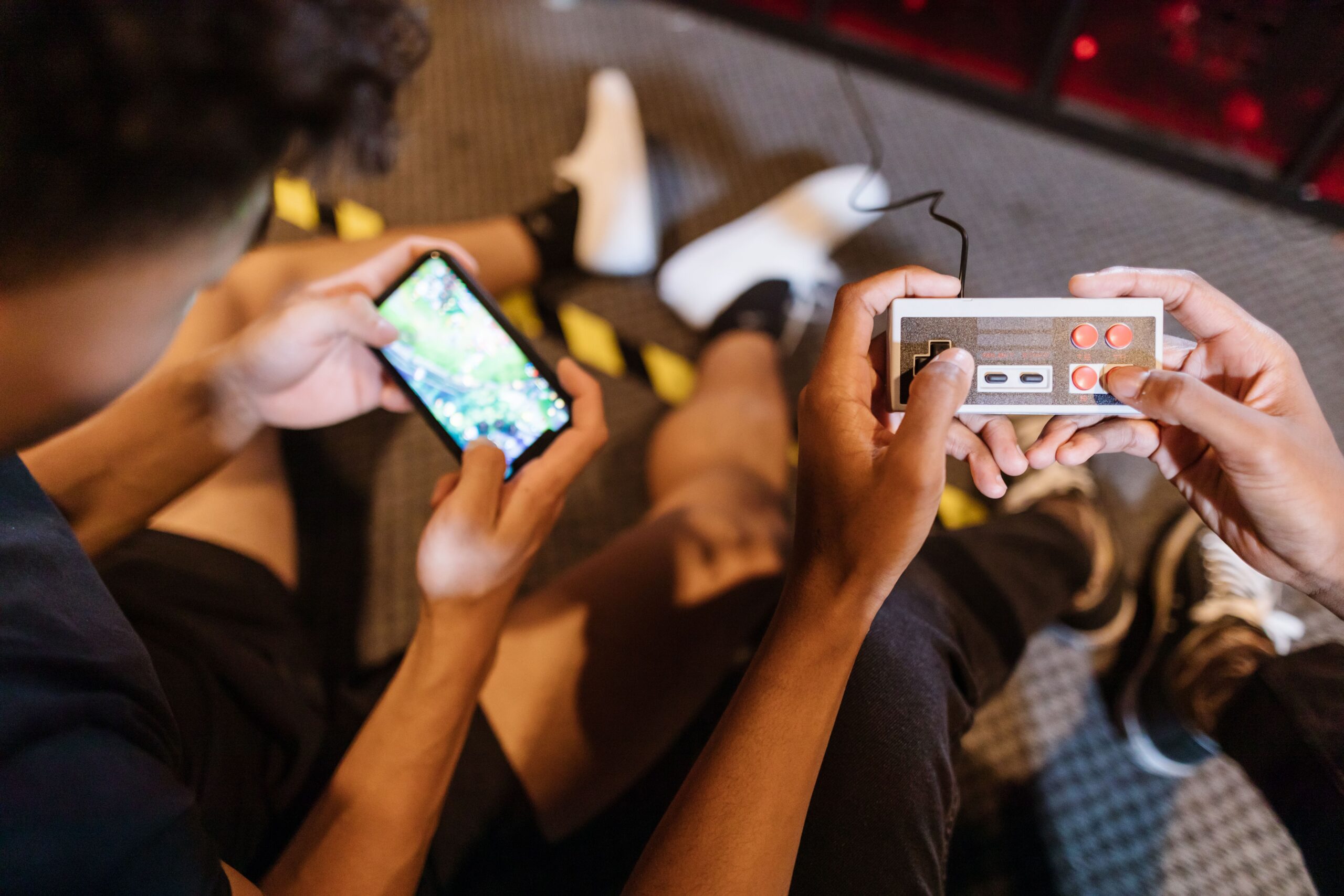

Let me start with the confession every Android user eventually makes: your phone is already the best retro gaming machine you have ever owned, and you probably did not realise it. The Nintendo 64, the PlayStation 1, the Game Boy Advance, the Sega Mega Drive, even the PlayStation 2 and the PSP, all of them fit inside the device that is currently in your pocket. The reason is simple: Android is an open platform, which means you can install emulators from anywhere, connect any controller, and play your legally owned games without subscriptions, without special hardware, and without asking anyone for permission. The iPhone has its emulators now, and I have covered them in a separate guide, but Android remains the freer and more powerful option, with more emulators, better performance per euro and none of the App Store drama. This guide is the complete tour: the best emulators for every system, the controllers that make them shine, the front-ends that turn your phone into a console, and the honest answers to the questions everyone asks.
Why Android Is the Best Platform for Retro Games
Before we talk apps, it is worth understanding why Android wins this particular fight. The first reason is openness: Android lets you install APK files from any source, which means you can use emulators that Google Play has banned, sideload beta builds, and never worry about an app disappearing from the store. The second reason is hardware diversity: Android runs on everything from a two-hundred-euro phone to a five-hundred-euro tablet to a TV box the size of a biscuit, so you can choose the exact device your retro library deserves. The third reason is controller support: Android has mature Bluetooth and USB gamepad support, with every major controller working out of the box, and dedicated gaming phones and grips that turn your phone into a proper handheld. The honest verdict is that no other platform combines this much flexibility with this much raw power, and the best part is that the emulators are free.
How Emulators on Android Actually Work
If you have never used an emulator, the honest explanation is that an emulator is a program that pretends to be a game console. It reads the game files, which are called ROMs, and runs them exactly like the original hardware did, using the power of your phone instead of the original chips. On Android, emulators come in two flavours. The first is standalone emulators, one app per console, simple and focused, like DuckStation for the PlayStation 1. The second is multi-system emulators based on the RetroArch project, one app that loads different emulation engines, called cores, for dozens of systems at once. There is no wrong choice: standalone apps are easier for beginners, RetroArch is more powerful for tinkerers, and this guide covers both so you can pick the style that fits you.
RetroArch: The All-in-One Powerhouse
If you only install one app, make it RetroArch. It is free, open source, and it emulates more systems than any other app on the Play Store, from the Atari 2600 to the PlayStation 1, including the NES, SNES, Game Boy, Game Boy Advance, Mega Drive, Neo Geo, arcade boards and many more, all through downloadable cores. The honest truth is that RetroArch has a learning curve: the menus are intimidating, the terminology is technical, and the settings can break things if you poke them randomly. But the payoff is real: accurate emulation, per-game settings, shaders that recreate the CRT look, save states and rewind, and a single library that replaces a dozen separate apps. My honest advice is to spend one evening setting it up, following a good guide like our RetroArch setup guide, and you will never need another emulator app again.
The Best Standalone Emulators by System
If RetroArch feels like too much, standalone emulators are the friendly alternative, and each console has a best-in-class app. For the NES and SNES, Snes9x EX+ is the gold standard, accurate and well maintained. For the Game Boy family, Pizza Boy GBA is the best Game Boy Advance emulator, with a beautiful interface and excellent speed, while the free Pizza Boy and My OldBoy! cover the original Game Boy and the Game Boy Color. For the Nintendo 64, Mupen64Plus FZ is the community favourite, with high-resolution rendering that makes N64 games look better than they ever did. For the PlayStation 1, DuckStation is simply the best, pixel-perfect and actively developed. For the PSP, PPSSPP is a marvel that runs PSP games at higher resolutions than the original hardware. And for the Dreamcast, Flycast covers the library well. Each of these is free or cheap, and each does one job brilliantly.
PlayStation on Android: DuckStation and AetherSX2
The PlayStation family deserves its own section, because it is where Android genuinely shines. DuckStation for the PlayStation 1 is the closest thing to perfect emulation you will find anywhere, with full-speed performance on any phone from the last five years, save states, rewind and widescreen hacks. The PlayStation 2 is the harder story: AetherSX2 was the miracle app that ran PS2 games on phones, but its development has slowed, and the honest truth is that PS2 emulation on Android works only on high-end devices. A mid-range phone with an older Snapdragon chip will struggle with demanding PS2 games, while a recent flagship plays them surprisingly well at internal resolutions above the original. My honest advice is simple: buy your phone for PS1, PSP and 16-bit games, and treat PS2 as a bonus that works if your device is powerful enough to carry it.
Lemuroid: The Simple Alternative
If RetroArch scares you and you do not want ten separate apps, Lemuroid is the middle path that most people overlook. It is a free, open-source all-in-one emulator that covers the same classic systems as RetroArch, but with a clean, modern interface and zero configuration: you point it at your games folder, and it just works. It does not have the power-user features of RetroArch, like advanced shaders or netplay, but for the 16-bit era and the PlayStation 1, it is accurate and fast enough for almost everyone. The honest comparison is simple: Lemuroid is the app I recommend to friends who just want to play, RetroArch is the app I recommend to people who want to tinker, and both are free, so you can try them both and keep the one that feels right.
Front-Ends: Turning Your Phone Into a Console
Once your games are installed, the app that transforms your phone into a real console is a front-end, a launcher that displays your library with box art, descriptions and a console-style menu instead of a list of files. The best free option on Android is Daijisho, which is beautiful, customisable and integrates with RetroArch and standalone emulators alike. Pegasus is the more powerful alternative, with support for custom themes from the desktop scene, but it requires more setup. The honest difference is meaningful: with a front-end, handing your phone to a friend feels like handing them a real console, because they browse cover art and pick a game, not a file. Daijisho takes about fifteen minutes to set up, and it is the single biggest quality-of-life upgrade for a serious Android retro setup.
Controllers That Make the Difference
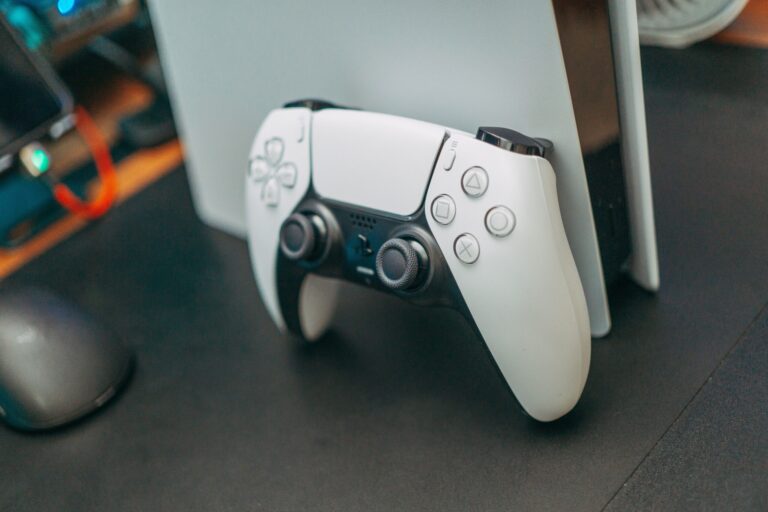
Playing retro games on a touchscreen is possible, but the honest truth is that it is a compromise, and a real controller transforms the experience. The best value option is a telescopic controller that clamps around your phone, turning it into a proper handheld, with the GameSir X2 Pro and the Razer Kishi as the best-known options. If you prefer a full-size pad, the 8BitDo Pro 2 and the SN30 Pro connect over Bluetooth and are the retro community’s favourites, while the PlayStation 4 and PlayStation 5 controllers work flawlessly with Android too. For the authentic touch, USB adapters let you plug in original SNES, N64 and Mega Drive pads, and most emulators map them perfectly. My honest advice is to buy a telescopic controller first, because it turns your phone into a handheld console, which is the experience most people actually want.
Playing on Android TV and TV Boxes
Your phone is not the only Android device that plays retro games: Android TV boxes and sticks turn your television into a retro console, and this is the most underrated option in the whole hobby. A cheap Android TV box with a decent processor runs 16-bit and 32-bit emulators comfortably, and RetroArch, DuckStation and PPSSPP all have Android TV versions with controller-first interfaces. The honest caveat is that the TV box market is full of junk, so stick to known brands with at least 2 gigabytes of RAM, and remember that wireless controllers paired with the box complete the setup. The practical result is a tiny box behind your TV, a pad in your hand, and the entire 90s on the big screen, for less than the price of a single modern game.
Performance and Settings: What Your Phone Can Run
The honest performance guide is simpler than the marketing suggests. Any Android phone from the last five years runs everything up to the PlayStation 1 and PSP at full speed, with room to spare. The Nintendo 64, Dreamcast and PlayStation 2 need progressively more power, and here the phone’s graphics chip matters more than its brand. The settings that matter most are resolution and rendering mode: most emulators let you raise the internal resolution above the original, which makes 3D games look dramatically sharper, and the Vulkan renderer is faster than OpenGL on modern devices. My honest advice is to start with everything at default, raise the resolution one step at a time, and stop when the game runs at full speed, because a stable 60 frames per second beats a sharper image every time.
Where to Get Games: The Honest Legal Answer
No retro gaming guide is honest without the legal conversation, so here it is. Emulators are completely legal, and downloading ROMs of games you do not own is not, which means the healthy way to build your library is to dump ROMs from cartridges and discs you already own, using a cheap dumper, and to support the official releases that Android increasingly receives. The good news is that the official scene is growing: Square Enix has released Final Fantasy and Dragon Quest ports, Capcom has classic collections, and the homebrew community creates brilliant free games and demakes that deserve your attention. The honest recommendation is to treat your Android device as the player for the games you already own, and to let the legal market earn the rest of your money, because the hobby is healthier when everyone plays fair.
Retro Games on Android: The Honest Comparison
| App | Type | Systems covered | Best for |
|---|---|---|---|
| RetroArch | All-in-one (cores) | Dozens, Atari to PS1 | Power users, one library |
| Lemuroid | All-in-one (simple) | 16-bit plus PS1 | Beginners, zero setup |
| DuckStation | Standalone | PlayStation 1 | Perfect PS1 emulation |
| Mupen64Plus FZ | Standalone | Nintendo 64 | N64 with enhancements |
| PPSSPP | Standalone | PSP | PSP at higher resolution |
| Daijisho | Front-end | Launches all emulators | Console-style library |
Frequently Asked Questions
Is it legal to play retro games on Android?
Emulators are legal, and playing games you own is legal. Downloading ROMs of games you do not own is not legal in most countries. The safe path is dumping your own cartridges and discs, plus the growing number of official Android ports.
What is the best emulator for Android?
RetroArch for everything, Lemuroid for simplicity, DuckStation for PlayStation 1, Mupen64Plus FZ for Nintendo 64 and PPSSPP for PSP. The best choice depends on whether you want one app or the best app per console.
Can my phone run PlayStation 2 games?
Only high-end phones with strong graphics chips can run PS2 games through AetherSX2, and even then not all games run well. PS1, PSP and 16-bit games run on almost any phone made in the last five years.
Do I need a controller for Android retro gaming?
No, but the experience is dramatically better with one. A telescopic controller like the GameSir X2 Pro or Razer Kishi turns your phone into a handheld console, and the PlayStation and 8BitDo pads all work over Bluetooth.
Is Android better than iPhone for emulators?
For now, yes. Android allows sideloading, has more mature emulators and better controller support. The iPhone has caught up with official apps, and I have covered both in separate guides on this site, but Android remains the freer platform.
Can I use an Android TV box for retro gaming?
Yes. A decent Android TV box runs 16-bit and 32-bit emulators very well, and RetroArch, DuckStation and PPSSPP all work with controllers on the big screen. It is the cheapest way to get a retro console on your television.
The Console in Your Pocket
Here is the honest closing thought. Every retro system you grew up with is sitting in your pocket right now, waiting for an emulator and a controller to wake it up. The Android platform is not the most glamorous way to play old games, and purists will always prefer original hardware and a CRT, but it is the most practical, the most portable and the most open. One app, one controller, one afternoon, and the games of your childhood are back, sharper and more convenient than they ever were. The best retro console of the modern era is not a console at all, it is the phone you already carry everywhere, and it has been there the whole time.