
The Nintendo 64 is the hardest classic console to emulate well, and anyone who tells you otherwise has only played the easy games. The good news is that in 2026 N64 emulation is finally in a place where the most important games run at full speed, look better than they ever did on original hardware, and only occasionally require the kind of tinkering that makes the rest of the process feel like science. This guide is the honest walkthrough: why the N64 is so difficult to emulate, which emulator to choose for your hardware, the settings that actually matter, the controller situation, and the legal line you should not cross.
Why the N64 Is So Hard to Emulate
Understanding the difficulty is the difference between picking the right emulator and wandering through forums forever. The NES, SNES and Genesis are comparatively simple machines: they draw frames in predictable ways, and their graphics chips follow rules that are easy to simulate. The N64 is a different animal. Its CPU, the 64-bit NEC VR4300, is not the problem; it is fast enough to emulate on a modern phone. The real difficulty is the Reality Coprocessor, the custom chip that handles 3D graphics and audio, and the way games talk to it.
The critical detail is that most N64 games wrote their own microcode, which is essentially the software that tells the Reality Coprocessor how to do its job. That means the emulator cannot just simulate a fixed graphics pipeline; it has to interpret and run custom code from every single game. This is why emulation quality varies so wildly from game to game on the N64, and why some titles run flawlessly while others show glitches that no setting fixes. It also explains the two approaches at the heart of N64 emulation: high-level emulation and low-level emulation, which I will get to in a moment.
The single most important fact about N64 emulation is that compatibility is not a solved problem: some games still need specific emulators, specific plugins and specific settings, and no one emulator plays every game perfectly. Anyone selling you “perfect N64 emulation” is describing a wish list, not a product. The practical approach is to pick the best general-purpose emulator and know the handful of games that need a special setup.
High-Level vs Low-Level Emulation
The two words you will see everywhere in N64 emulation threads are HLE and LLE, and they describe two fundamentally different strategies. High-level emulation, or HLE, does not simulate the Reality Coprocessor chip by chip. Instead it intercepts the game’s calls to the graphics microcode and translates them into instructions that your graphics card understands directly. HLE is fast, which is why it has been the default for years, and it is why N64 emulation runs well on modest hardware. The trade-off is accuracy: because the emulator is guessing what the game intends rather than simulating what the hardware does, some games show graphical errors that never appear on a real console.
Low-level emulation, or LLE, takes the opposite approach: it simulates the Reality Coprocessor at the hardware level, processing every microcode instruction exactly as the real chip would. The result is accuracy close to the original hardware, which is exactly what some stubborn games need. The cost is performance, because simulating the chip instruction by instruction is vastly more demanding, and even a modern PC can struggle with LLE at high resolutions. The modern hybrid, used by the best emulators today, runs most of the pipeline with HLE and switches to LLE only for the games that need it.
The Best N64 Emulators in 2026
There are exactly three emulators worth your time in 2026, plus one honorable mention for the purists. I have tested all of them across a wide library, and the honest ranking is more about your hardware and your patience than about a single winner.
Mupen64Plus-Next: The Best All-Round Choice
Mupen64Plus-Next is the descendant of Mupen64Plus, and it is the emulator I recommend to almost everyone. It is actively maintained, it works as a standalone app and as a core inside RetroArch, and its hybrid graphics approach delivers the best balance of compatibility, speed and accuracy on modern hardware. It supports upscaling to 1080p and beyond, texture packs for several famous games, and save state support that works reliably. If you only install one N64 emulator, make it this one.
ParaLLEl N64: The Accuracy King (When It Works)
ParaLLEl N64, also available inside RetroArch, is the low-level emulator that the N64 purists use. It runs the game’s original microcode through a Vulkan compute pipeline, which gives it the highest accuracy available on PC, at the cost of demanding a modern graphics card and a lot of patience. Games that look wrong in every other emulator often look correct here. The catch is that ParaLLEl is slower and less forgiving: on weak hardware it simply will not run at full speed, and some games that work everywhere else are finicky under it.
Project64: The Windows Classic
Project64 is the emulator that most people tried first in the 2000s, and it is still around because it handles a specific set of Windows-only conveniences well: a simple interface, quick configuration, and strong compatibility with a large portion of the library out of the box. Its defaults lean toward HLE, so expect fast performance rather than perfect accuracy. For casual players on Windows who want games running in minutes, Project64 remains a legitimate choice, though the project’s older release cadence means the newest games and the most accurate rendering are better handled by Mupen64Plus-Next.
simple64 and ares: For the Enthusiasts
simple64 is a modern lightweight fork of Mupen64Plus aimed at simplicity, and it is a genuinely good option if you want a no-frills emulator that just works. ares is a multi-system emulator with a focus on accuracy that supports the N64 alongside many other systems, and it is the right pick if you want one app that does everything at the highest quality level available. Neither is a first recommendation for most people, but both are worth knowing about, because N64 emulation is a scene where the right tool varies by game.
Hardware Requirements: The Honest Performance Guide
The N64 sits in an awkward spot for hardware requirements: it is old enough that any modern PC can run it, but demanding enough that accuracy and upscaling expose weak machines. This table gives you the honest expectations before you configure anything, and it is the same kind of breakdown I used in my RetroArch setup guide, because the two problems share a lot of DNA.
| Hardware | Runs comfortably | Struggles | Best for |
|---|---|---|---|
| Raspberry Pi 4 | Mupen64Plus-Next at 480p-720p, light games | ParaLLEl, heavy upscaling | RetroPie, budget builds |
| Old office PC | Mupen64Plus-Next at native res, most games | 1080p upscaling, ParaLLEl | Casual N64 play |
| Mid-range PC | Mupen64Plus-Next at 1080p, most of the library | 4K, problem games in ParaLLEl | The all-round N64 machine |
| Gaming PC | Everything at high resolution | Nothing practical | ParaLLEl accuracy, texture packs |
| Android phone (flagship) | Mupen64Plus-Next at native res, many games | Full library, heavy games | Portable N64 play |
| Android phone (budget) | A handful of light games | Most of the library | Quick sessions only |
The honest rule is simple: if you have a desktop or laptop from the last ten years, Mupen64Plus-Next will play most of the N64 library at native resolution without drama, and a mid-range GPU opens the door to upscaling and accuracy modes. The N64 is not like the PlayStation 2, where you need real muscle just to boot games; it is a console where the hardware bar is low and the software bar is high.
How to Set Up N64 Emulation Step by Step
The setup process is the same regardless of whether you use RetroArch or a standalone emulator, and doing it in the right order avoids the classic confusion. The steps are: install, add the BIOS and the ROMs you own, configure the graphics, configure the controller, and then tweak only if a specific game needs it. Here is the honest walkthrough.
Step 1: Install Your Emulator Safely
Download your emulator only from official sources. RetroArch is available from retroarch.com and official app stores, and Mupen64Plus-Next is distributed through the same channels plus the standalone project page. Project64 has an official site, and simple64 has its own official page. Search results are full of fake downloads that bundle adware, exactly the problem I warned about in my RetroArch guide, so verify the domain before you run anything. On Windows, macOS, Linux and Android the installation is standard, and the default options are fine.
Step 2: Get Your Games the Legal Way
The games are the part where most people make the mistake, and the answer has not changed since I wrote my emulation and ROMs guide. An emulator is legal software, but a ROM is a copyrighted work, and downloading it from a random website is infringement no matter how old the game is. The clean paths are to dump your own cartridges with a device like the Retrode or a flash cart, to buy official re-releases where they exist, and to play homebrew, which is fully legal because the developers own it. Nintendo 64 games are still cheap enough on the second-hand market that owning the physical cartridges is realistic for any serious library.
Step 3: Configure the Graphics
The default video settings will play most games, but three changes make everything look dramatically better. Set the internal resolution to at least 2x native, which removes the blur that the original hardware produced without changing the game’s logic. Enable texture filtering only if you want a softer look; the classic N64 aesthetic comes from the combination of low resolution and heavy texture filtering, so turning filtering off is the choice that changes the look most dramatically. And if you want the games to look like they did on a CRT, apply a CRT shader, the same technique I covered in my CRT guide. The one setting to leave alone until a specific game forces you is the aspect ratio, because switching between 4:3 and 16:9 can break the interface of some games.
Step 4: Configure the Controller
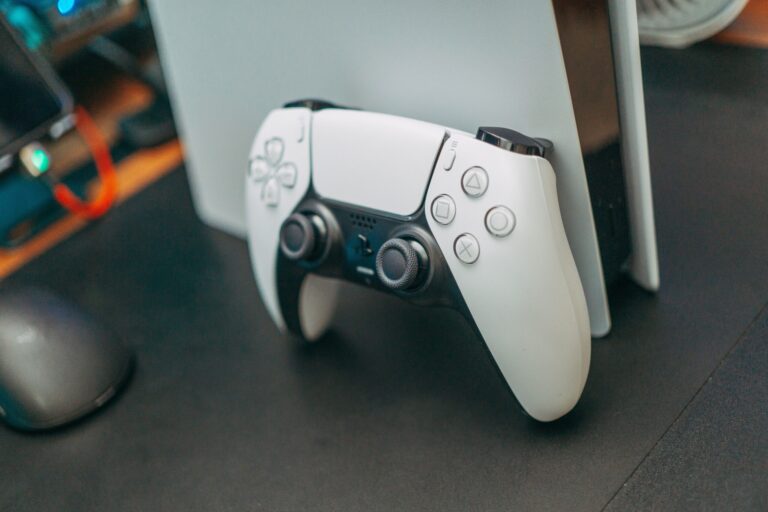
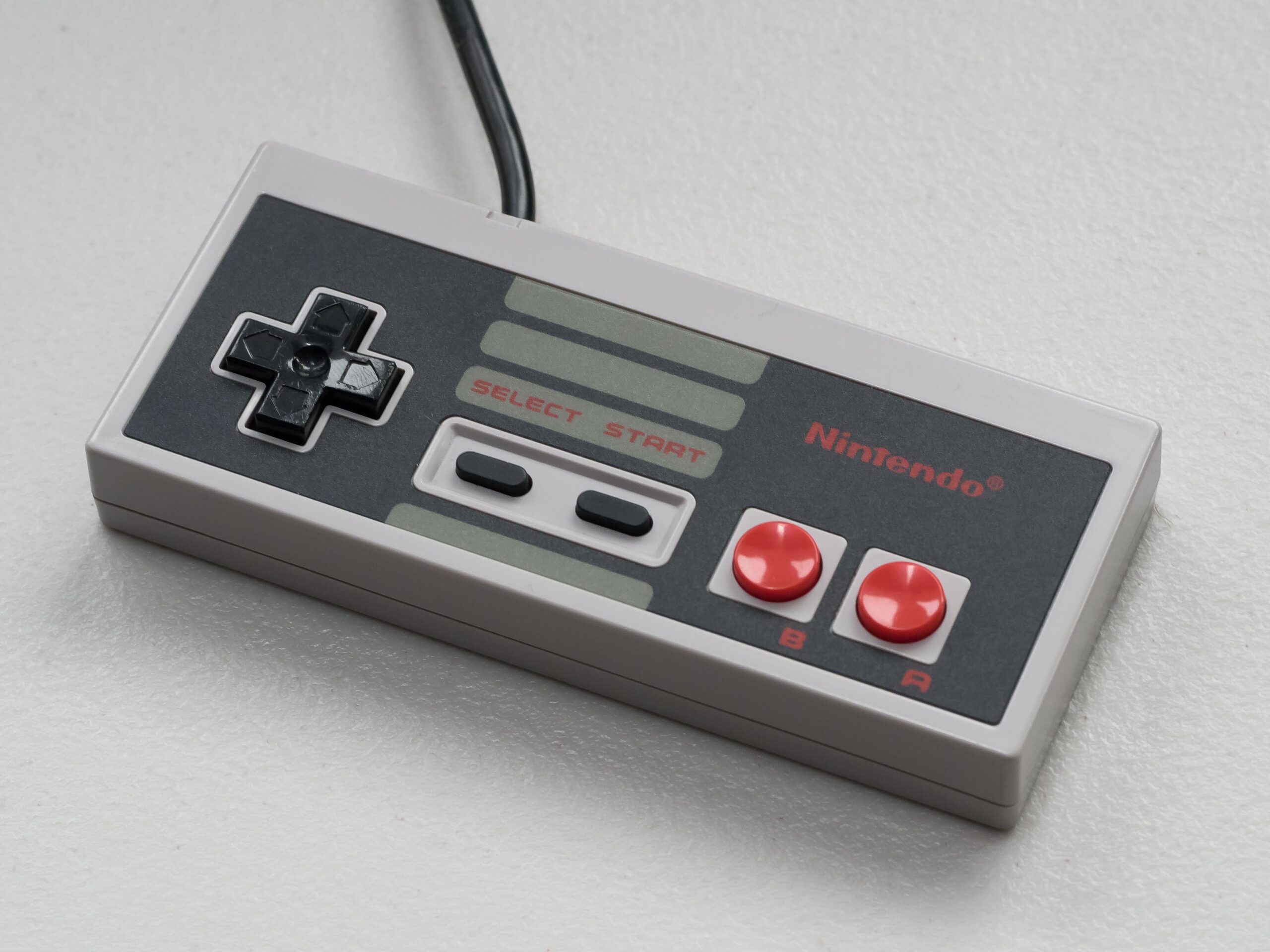
The N64 controller is the most unusual controller ever shipped with a major console: a three-handled design with a central analog stick, six buttons arranged in a circle, and a shoulder button that many games barely use. Mapping it to a modern controller takes two minutes if you understand the layout. The C buttons map to the right analog stick or the face buttons depending on the game, and the Z trigger maps to a shoulder button. The controllers that make this easiest are the modern USB and wireless options designed specifically for N64 games, which I cover in my controllers guide, and any modern gamepad works with a little remapping.
Step 5: Tweak Only the Games That Need It
The most important habit in N64 emulation is to stop tweaking when a game works. Perfectionism is a trap: you will spend an evening chasing a framerate that the original hardware never hit while the library sits unplayed. Run the defaults, play for ten minutes, and only touch the settings if something is actually broken. The games that break are a minority, and the fixes are usually documented in a single search.
The Settings That Matter (and the Ones to Ignore)
If you want to understand the configuration screen instead of guessing, these are the four settings that do the heavy lifting, and they mirror the framework I laid out in my RetroArch guide.
- Internal resolution: the biggest visual upgrade available. 2x to 3x native removes the blur and sharpens the image without breaking game logic.
- VSync: keep it on. It prevents screen tearing, and the input lag it adds is negligible compared with the visual damage of tearing.
- Run-ahead: a RetroArch feature that reduces input lag by predicting frames. It matters most for fast games like racing and shooters.
- Save states: learn the save state hotkeys immediately. They are the difference between a two-minute session and losing all progress to a busy week.
The settings to ignore are the ones that promise perfect accuracy on a potato, the plugin combinations from ancient forum posts, and the texture pack installs that take an evening for one game. None of them are bad in principle, but all of them are optional, and the core experience is excellent without them.
The Games That Need Special Treatment
Every N64 emulator has its problem children, and knowing which games they are saves you hours. Games that used unusual microcode or pushed the hardware hard are the ones that misbehave, and the usual suspects have documented fixes. The two famous ones are GoldenEye 007 and Conker’s Bad Fur Day, both of which had notoriously custom graphics code; they generally work in Mupen64Plus-Next today, but they benefit from known configuration presets that the community has refined. Games like Perfect Dark and the Rare platformers are mostly fine, and the biggest offenders are usually the ones with heavy fog or unusual rendering tricks. The honest advice is to check a compatibility list before you sink time into a game, because the answer for a specific title changes with every emulator release.
The Legal Picture
The legal situation for N64 emulation is identical to every other system, and it has not changed since I wrote my emulation and ROMs guide: the emulator is legal, the BIOS file is copyrighted, and the ROMs are copyrighted works that you may not download from unofficial sources. The N64 has an extra wrinkle in that its games are cartridges, which means dumping your own copies is easy with the right hardware and entirely within the same gray area as every other personal backup. Owning the cartridge and ripping it yourself is the defensible path, and the most responsible one is simply to buy the games and keep them physical while the second-hand market stays affordable.
The honest line is the same one I draw everywhere: emulation is legal, and the only safe games are the ones you own, the ones officially released, and the homebrew people made for you to enjoy. Everything else is a risk you are choosing to take, and the retro community is better off when preservation happens through ownership.
Frequently Asked Questions
Is N64 emulation legal?
The emulator is legal software, exactly like the ones I described in my emulation and ROMs guide. The legal question is always about the games: download only what you own, what is officially released, or what is homebrew. Everything else is copyright infringement.
What is the best N64 emulator?
Mupen64Plus-Next is the best all-round choice in 2026: it is actively maintained, works standalone and inside RetroArch, and delivers the best balance of compatibility, speed and accuracy. ParaLLEl N64 is the accuracy option for specific games, and Project64 remains a fine Windows choice for casual players.
Why do some N64 games not work in emulators?
Because each game shipped with its own custom graphics microcode, and emulators have to interpret it. Some microcode was more unusual than others, which is why compatibility varies game by game. Check the compatibility list for the emulator you use, because the answer changes with every release.
Do I need a powerful PC to emulate the N64?
No. Any modern PC runs most of the library at native resolution through Mupen64Plus-Next. A mid-range GPU unlocks upscaling and the accuracy mode, but the honest baseline is low: a ten-year-old desktop is enough for the majority of games.
Can I use a modern controller for N64 games?
Yes. Any modern gamepad works after a two-minute remap of the C buttons and Z trigger, and dedicated USB and wireless N64-style controllers are the most comfortable option for games that rely on the original layout.
Make Your N64 Library Playable Again
The N64 is the console where emulation feels most like engineering, and that is exactly why it is so satisfying when it works. The hardware bar is low, the software bar is real, and the payoff is a library of games that defined 3D gaming before anyone knew what 3D gaming was. Install Mupen64Plus-Next, dump the cartridges you own, spend ten minutes on the four settings that matter, and stop there.
Here is your move: pick the three games you miss the most, set them up the honest way, and play them at a resolution and framerate the original hardware could only dream of. N64 emulation is no longer a promise, it is a solved problem for most of the library, and the games you loved in the 90s are waiting to be rediscovered on the hardware you have now.