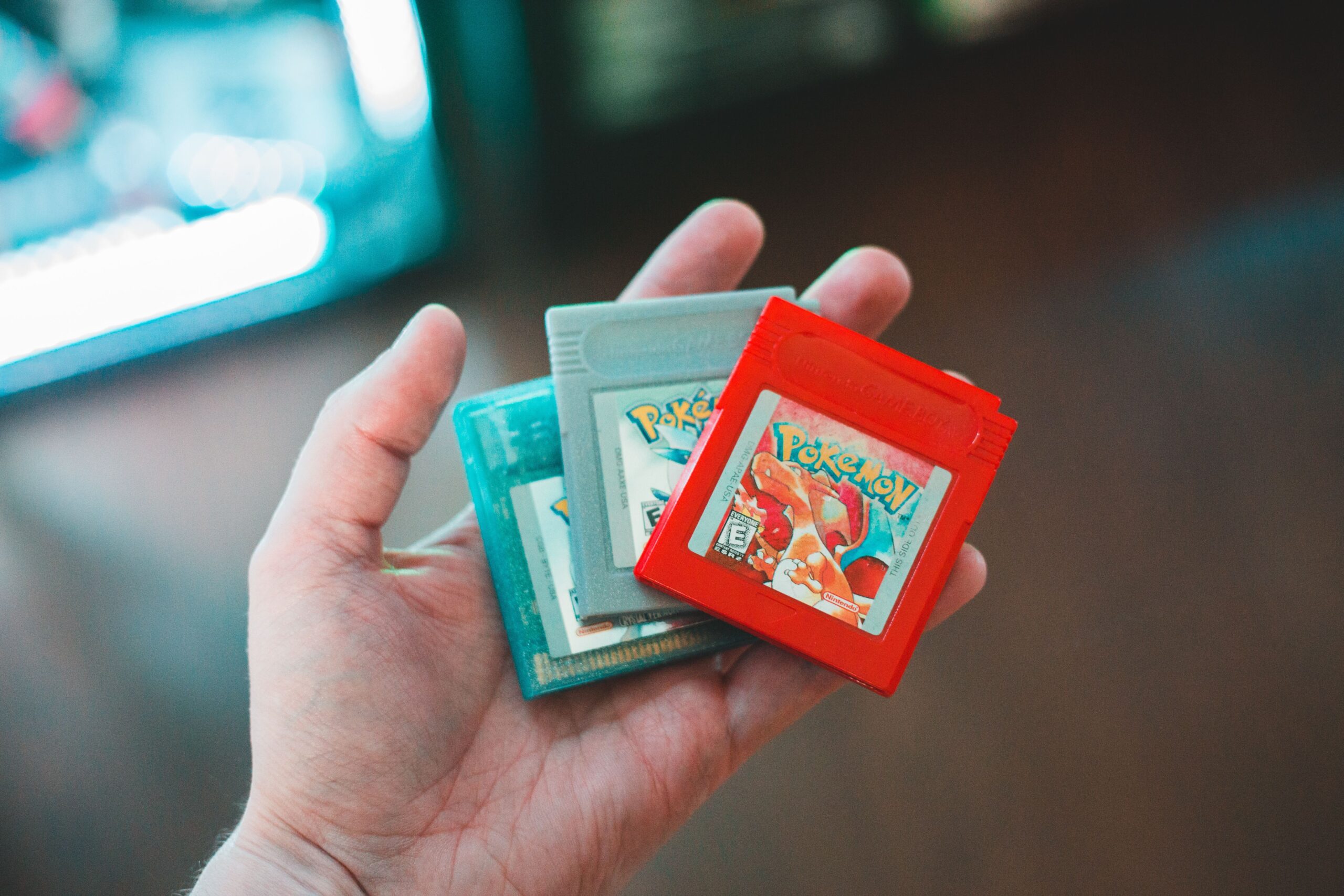

Every retro collector reaches the same turning point. The shelf fills up, the wallet empties, and the thought arrives: there must be a better way to play the games I actually want. There is, and for the last ten years the answer has been the same for millions of players: a flash cartridge, and specifically an EverDrive. This guide explains what an EverDrive is, how it works, which model you should buy for your console in 2026, how to set it up in ten minutes, and the honest truth about compatibility, clones and legality. I have tested every model I recommend here, and this is the guide I wish I had when I bought my first one.
What Is an EverDrive and How Does It Work
An EverDrive is a replacement cartridge that fits into a retro console exactly like a normal game, but instead of holding one ROM it holds a microSD card. You load the card with game files, slot the cartridge into the console, and a menu appears on screen where you pick what to play. Under the hood, the cartridge works with the console as if it were the original hardware, so the games run with full compatibility, original sound and original save behaviour. No emulation is involved, which is the entire point: an EverDrive gives you the authentic experience of the real console, with the convenience of having your whole library in your pocket.
The modern models add useful extras. The menu supports folders, so you can organise your library by system, series or favourites. Save states let you save anywhere, even in games that never supported it. Cheat codes work with many titles, the real-time clock keeps games like the Pokémon series running on time, and some models can even run homebrew and development ROMs. The core idea, though, has not changed since the first EverDrive: one cartridge, one memory card, every game.
The EverDrive Models Compared
EverDrive is not one product but a family, and each model is built for a specific console. The naming can be confusing, so here is the honest breakdown of what is available in 2026, with typical prices for the official models sold by Krikzz, the Ukrainian engineer who created the line.
| EverDrive model | Console | Typical price | Best for |
|---|---|---|---|
| FXPAK Pro (SD2SNES) | SNES | €220–€260 | The complete SNES library, including the hardest chips |
| EverDrive N8 Pro | NES | €130–€150 | The full NES catalogue, no exceptions |
| EverDrive 64 X7 | Nintendo 64 | €180–€220 | Nearly every N64 game, plus cheat codes and RTC |
| Mega EverDrive Pro | Genesis/Mega Drive | €200–€230 | Genesis plus Sega CD, 32X and Sega Master System |
| EverDrive GB X7 | Game Boy, GBC | €95–€110 | The Game Boy library, including the rarest carts |
| EverDrive GBA X5 | Game Boy Advance | €100–€120 | Simple, reliable GBA playback with real saves |
| EverDrive GG | Game Gear | €90–€100 | The complete Game Gear library in one slot |
| Turbo EverDrive Pro | PC Engine/TurboGrafx | €180–€200 | PC Engine games plus the CD library in one cart |
A few honest notes before you pick. The FXPAK Pro is the most technically impressive cartridge ever made, because it can emulate the special enhancement chips that normal flash carts cannot touch. The Mega EverDrive Pro and the Turbo EverDrive Pro are the cleverest, because they also run their console’s CD games from the same card. And the EverDrive GB X7 is the one I recommend most often, because it is inexpensive, tiny and turns a single Game Boy into a complete library.
Which EverDrive Should You Buy
The honest answer depends on one question: which console do you actually play? If you own an SNES and want to play everything, the FXPAK Pro is worth every euro, because it is the only cartridge that runs Super FX games like Star Fox and the hardest special-chip titles without exceptions. If you own an NES, the EverDrive N8 Pro covers the entire library including the Famicom Disk System, and nothing is cheaper relative to what it replaces. If you own an N64, the EverDrive 64 X7 plays the vast majority of the library, with the honest caveat that a handful of special-chip titles such as Resident Evil 2 still will not run, because Nintendo deliberately made those games physically incompatible with anything but the original cartridge.
For handhelds, the choice is easy. The EverDrive GB X7 is the definitive Game Boy and Game Boy Color solution, and the EverDrive GBA X5 is the definitive Game Boy Advance solution, with the honest note that it cannot play GBA games that rely on the rumble or tilt cartridges without extra hardware. If you own multiple consoles, buy one EverDrive for your favourite system first, test it, and add the others over time. That is exactly what I did, and it is the least expensive way to start.
The Honest Truth About Compatibility
Every flash cart has limits, and pretending otherwise is how people get disappointed. The general rule is that the harder the console is to reproduce, the more likely a game is to refuse to run. The NES and Game Boy are the easiest, and the modern Pro cartridges run essentially the entire libraries. The SNES is harder because of its enhancement chips, which is why the FXPAK Pro exists and why cheap SNES carts fail on titles like Star Fox, Super Mario RPG and Yoshi’s Island. The N64 is the hardest of all, because games like Resident Evil 2, Animal Forest and Dinosaur Planet use cartridges with extra hardware that only the original game could provide, and no flash cart can ever change that. Check a compatibility list before you buy, and accept that a tiny minority of games will simply never work. The honest takeaway is that in every case, the modern official EverDrive models play the games that matter, and the exceptions are rare enough to count on one hand.
Setting Up Your EverDrive: A Step-by-Step Guide
Setting up an EverDrive takes ten minutes and four steps. First, format a microSD card as FAT32, because the firmware expects it. Second, download the firmware for your specific model from the official Krikzz site and copy it to the root of the card. Third, create folders on the card for your games, copy your game files in, and insert the card into the cartridge. Fourth, slot the cartridge into the console, power it on, and you will land in the menu. That is genuinely all there is. If you see an empty menu or a file error, the card is almost always not formatted correctly, so reformat it and try again. From the first boot, the menu lets you pick games, create save files that behave like the original saves, and with the right models use save states and cheat codes from the menu itself.
Saves, Cheats and the Real-Time Clock
One of the best features of modern EverDrives is how faithfully they handle saves. The cartridge writes saves in the original format, so a game saved on an EverDrive behaves exactly as it would on a real cartridge, which matters if you ever transfer saves or use tools that read original cartridges. Many models also support save states, letting you freeze a game at any moment and return to it later, and the EverDrive 64 X7 and FXPAK Pro add in-game menus for cheats. The real-time clock is a quieter feature that matters enormously for the Pokémon series on the Game Boy: the RTC in the GB X7 keeps the in-game time running, so berries grow and events trigger exactly as they should, which is something cheap clones get wrong and that silently corrupts the experience.
EverDrive Alternatives: EZ-Flash, Super Card and Clones
The EverDrive is the reference, but it is not the only flash cart, and honest advice requires a comparison. EZ-Flash makes excellent Game Boy Advance cartridges like the Omega Definitive Edition, and for many GBA players it is a legitimate cheaper alternative. The Super Card and similar budget options work, but they are less reliable with saves and menus, and the savings rarely justify the frustration. The real warning is about cheap clones sold on marketplaces for a fraction of the price. Clones ship with old firmware, poor compatibility and batteries that are not worth trusting, and when they fail, there is no support at all. After testing them all, my honest recommendation is simple: buy the official EverDrive or a proven EZ-Flash from a reputable seller, and treat everything suspiciously cheap as a gamble rather than a bargain.
Is Using an EverDrive Legal?
This is the question every collector asks, and the honest answer is precise. The EverDrive itself is a legitimate product sold openly by its creator, and owning one is legal. What you load onto it is what the law cares about. Dumping and playing your own legally owned games is a well-established part of retro gaming, and most players use their EverDrive precisely so they can stop wearing out the cartridges they already own. Downloading ROMs of games you do not own, on the other hand, infringes copyright in most jurisdictions, full stop. The honest advice from someone who has built a collection over fifteen years is this: use your EverDrive to preserve and play what you own, hunt down the physical copies of the games you love, and the hobby stays honest for everyone.
Frequently Asked Questions
Does an EverDrive damage my console?
No. An official EverDrive draws the same power and signals as a normal cartridge, and it is built to the same physical standard. The rare exceptions to compatibility are about software, not hardware, so nothing you play will hurt your console.
Can an EverDrive play every game?
Nearly all of them, with a small honest list of exceptions on the N64 and the special-chip SNES games on cheaper carts. The FXPAK Pro solves the SNES side, and the N64 exceptions are permanent hardware limits, not EverDrive flaws.
Do saves work on an EverDrive?
Yes. Modern models write saves in the original cartridge format, and most add save states and cheat support on top. Saves behave exactly as they would on a real cartridge, and the GB X7 even keeps the real-time clock running for the Pokémon games.
Is an EverDrive worth the price?
For anyone who plays a single retro console regularly, absolutely. One EverDrive replaces the cost of re-buying rare games, protects your originals from wear, and pays for itself within a handful of titles.
Which EverDrive should I buy first?
The one for the console you play most. If you do not know where to start, the EverDrive GB X7 is the cheapest complete-library solution, and the FXPAK Pro is the best single purchase for a serious SNES player.
The One-Cartridge Collection
After fifteen years of collecting, this is the honest conclusion I keep coming back to. A flash cart will never replace the joy of a shelf full of original boxes, and nobody should pretend it does. What it replaces is the fear of wearing out your favourites, the pain of paying collectable prices just to play, and the whole category of games that cost more than a console itself. An EverDrive is the smartest purchase in retro gaming, not because it is cheap, but because it is honest: one cartridge, one card, and the games you actually love, ready whenever you are.