
Evaluating the Retro Gaming Handheld Ecosystem: Original Hardware vs. Emulation
Choosing between original vintage hardware and a modern emulation handheld comes down to how you balance tactile nostalgia against daily convenience. Authentic consoles like the Game Boy offer an irreplaceable physical connection, immediate button responsiveness, and zero translation layers between cartridge and silicon. However, aging passive screens, failing capacitors, and the sheer bulk of carrying loose cartridges make unmodded legacy devices tough to enjoy during a daily commute. Software-driven handhelds running frontends like RetroArch provide instant access to massive libraries, custom shaders, and handy save states that let you suspend games at will, though they inherently introduce slight input latency and occasional frame-pacing irregularities.
For most players diving into handheld retrogaming today, the debate is rarely strictly binary. A dedicated emulation handheld provides an accessible gateway to experiment with obscure titles without tracking down pricey original carts. Yet purists often find that software emulation lacks the micro-precision required in fast-paced platformers where exact timings dictate success. Deciding where to spend your money depends heavily on whether you prize the flexibility of digital convenience or the uncompromising tactile response of real chips pushing native signals.
The Modded Game Boy Renaissance: IPS Displays, Power Draw, and Flash Carts
The custom Game Boy scene has experienced an explosive rebirth thanks to high-grade aftermarket components that transform these classic portables into contemporary daily drivers. Installing an IPS kit completely redefines the experience, swapping the dim, ghosting-prone reflective screen for a vibrant panel boasting rich contrast, crisp pixel grids, and adjustable backlight levels. Most of these screen upgrades require basic soldering to hook up brightness controls, but the visual leap turns games like Link’s Awakening into an absolute joy to play in any lighting condition.
Upgrading the screen does introduce a critical engineering compromise: increased power draw. An illuminated IPS panel combined with a modern flash cart like an EverDrive pulls considerably more current from the power rails than an original retail cartridge on stock hardware. This extra load drains standard alkaline batteries rapidly and can cause voltage drops on aging power switches. Investing in premium low-self-discharge rechargeables or clean power-regulator mods is essential if you want consistent, flicker-free marathon sessions with your expanded microSD game library.
FPGA Architecture in Pocket Form: Low Latency and Cycle Accuracy
Field-Programmable Gate Array technology has changed the portable landscape by eliminating the compromises typical of traditional software emulation. Handhelds built around FPGA chips, most notably the Analogue Pocket, do not execute game code through an intermediate software interpreter. Instead, the reprogrammable chip configures its internal logic gates to mirror the exact silicon architecture of original vintage processors. This hardware-level reconstruction delivers cycle-accurate playback, meaning audio pitches, sprite flicker, and subtle programming quirks match authentic motherboards with unmatched fidelity.
The real-world advantage of this approach is ultra-low input latency combined with native display scaling. When you plug an original cartridge into an FPGA handheld, button presses trigger actions instantaneously without the frame buffering inherent in modern mobile operating systems. The primary drawback remains price and accessibility, as FPGA engineering commands a significant premium over budget pocket emulators. For demanding enthusiasts seeking studio-grade execution and seamless cartridge integration, however, FPGA hardware represents the definitive bridge between historical preservation and modern engineering.
Modern Emulation Handhelds: RetroArch Optimization, Screen Ratios, and Scaling
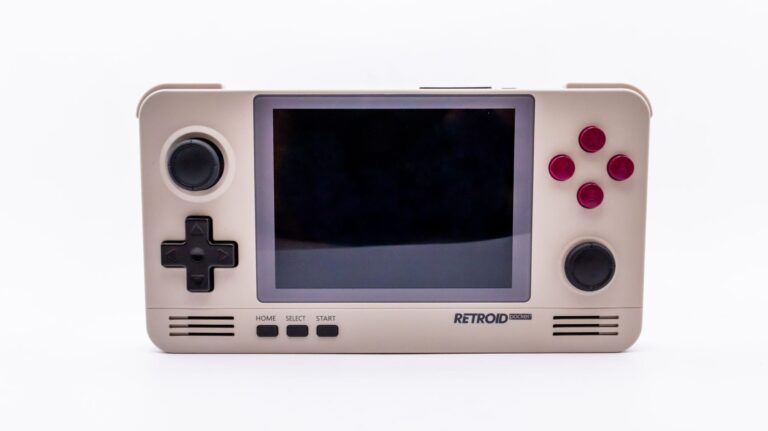
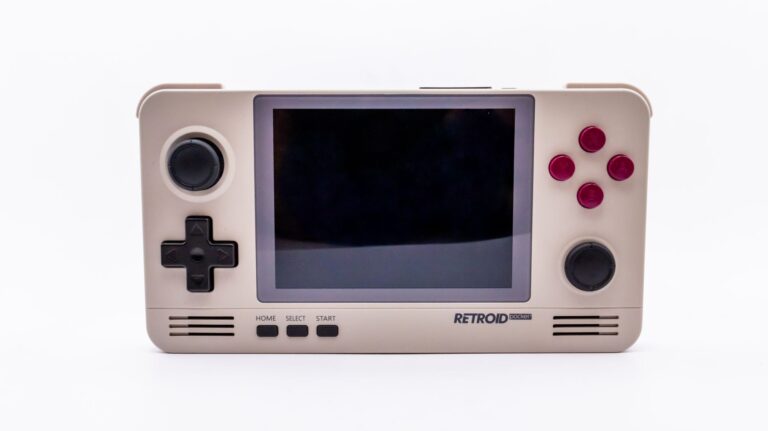
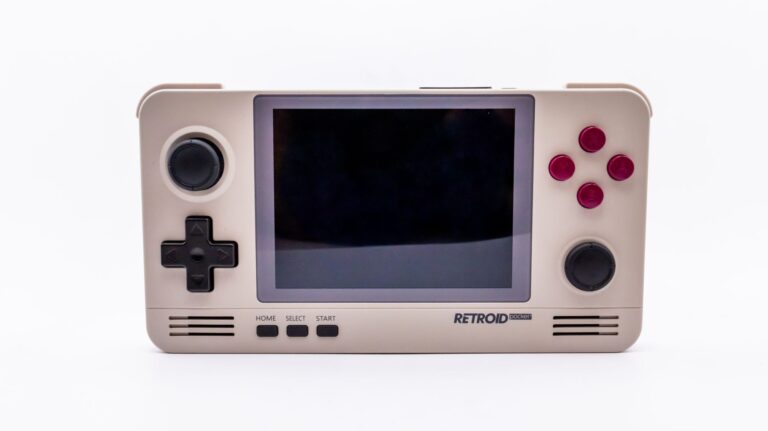
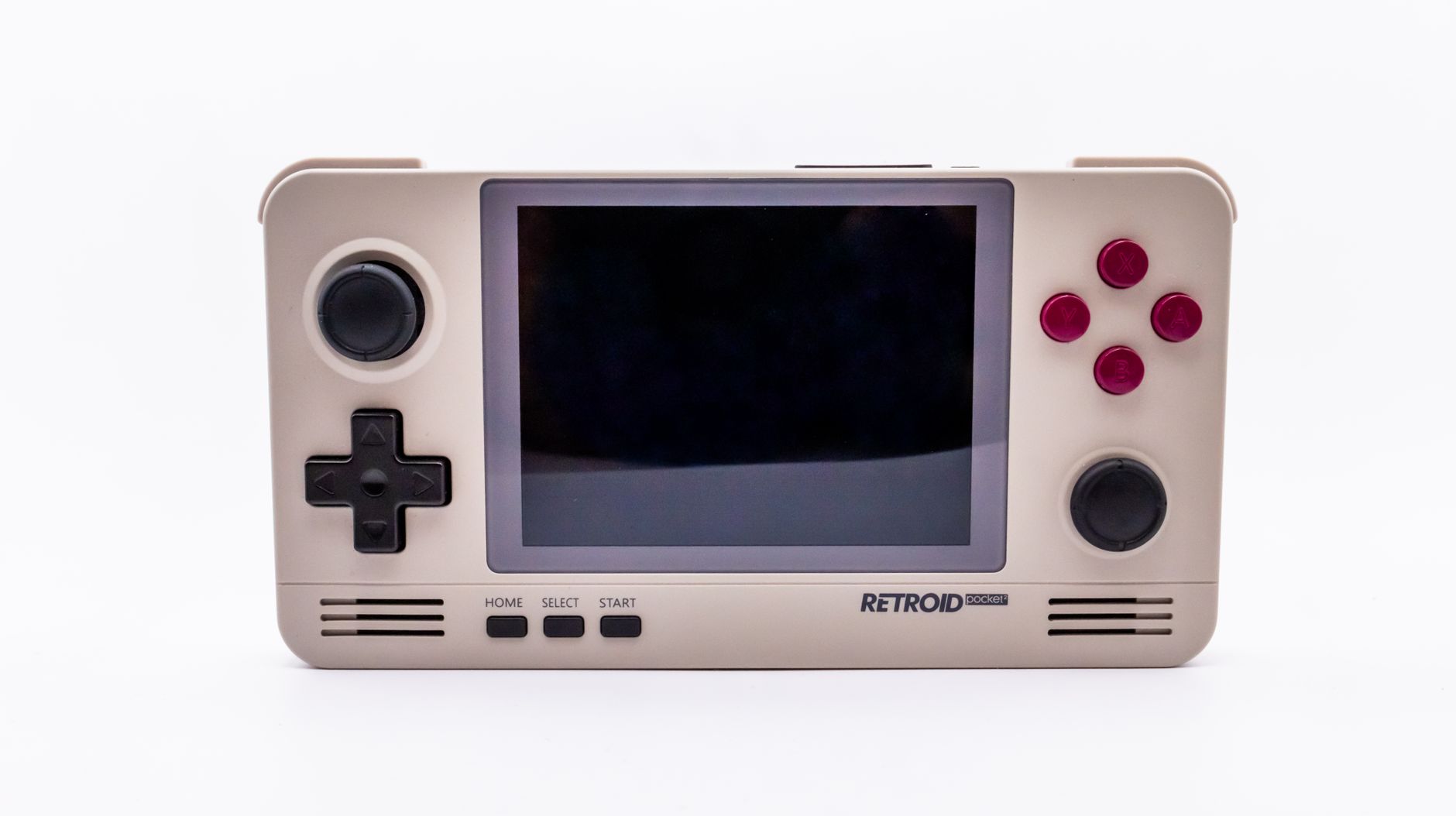
Dialing in a modern emulation handheld requires looking past the flashy out-of-the-box launchers and mastering the underlying settings within RetroArch. Because these pocket portables run libretro cores across a variety of customized Linux and Android distributions, taking time to configure per-core video options is essential for clean visuals. Original 8-bit and 16-bit home consoles outputted a native 240p signal, while handheld classics like the Game Boy relied on non-standard square or wide aspect ratios. Enabling integer scaling ensures that each original pixel maps directly across integer multiples on your modern display panel, eliminating the distracting horizontal shimmer and uneven pixel distortion that ruin fast-scrolling platformers.
Optimizing your software setup also unlocks the creative power of lightweight shaders and essential convenience features. Applying subtle CRT scanline filters or authentic Game Boy dot-matrix grid shaders restores the organic texture that classic game artists counted on when designing sprites decades ago. Pair these aesthetic adjustments with configured hotkeys for instant save states and clean rewinds, and your pocket emulator transforms into an exceptionally versatile retro archive. Just remember to dump and load official system BIOS files into the system directory for disc-based platforms like the PS1 or Sega CD, as running these cores without genuine firmware invites timing stutters, broken CD audio, and unpredictable boot failures.
Hardware Benchmarks: Battery Longevity, Display Clarity, and Daily Ergonomics
Evaluating portable retrogaming hardware in real-world conditions exposes the stark operational tradeoffs between custom vintage portables, FPGA devices, and software pocket emulators. Battery longevity hinges dramatically on display backlight brightness and internal power delivery. An authentic Game Boy upgraded with a high-draw IPS kit and powered by a microSD EverDrive flash cart will quickly burn through standard alkalines in three to four hours, making high-capacity rechargeable cells or dedicated power-regulator mods an absolute necessity. In contrast, modern emulation handhelds packing lithium-polymer batteries between 3000mAh and 4000mAh reliably deliver five to seven hours of continuous 16-bit play, though running demanding 3D cores shrinks that battery buffer considerably.
Display clarity and chassis balance dictate whether a handheld feels like a treasured travel companion or an ergonomic chore. Modern laminated IPS screens offer vivid color depth, wide viewing angles, and zero subpixel ghosting compared to reflective vintage LCDs, rendering every frame razor sharp. Yet raw visual fidelity means nothing if the chassis cramps your palms during twenty-minute train rides. Button travel, pivot balance on the directional pad, and the placement of secondary shoulder triggers separate top-tier portable devices from cheap plastic novelties. A well-designed handheld balances its internal battery weight evenly across your palms, ensuring your thumbs stay nimble during demanding arcade sessions.
Frequently Asked Questions About Retro Gaming Portables
What is the primary operational difference between FPGA handhelds and software emulation devices? FPGA devices like the Analogue Pocket utilize reprogrammable silicon to recreate the physical microarchitecture and logic circuits of vintage console hardware, resulting in authentic cycle-accurate execution and virtually zero input latency. Software-based emulation handhelds run programs like RetroArch on general-purpose mobile processors, which interpret game instructions through software layers; this adds slight processing overhead but allows for broader multi-platform library access and affordable pricing.
Why does installing an IPS kit and a flash cart drain original Game Boy batteries so quickly? Modern IPS replacement panels produce bright, fully saturated backlights that draw significantly higher current from the motherboard’s power rails than an unlit factory reflective screen. Adding a flash cart such as an EverDrive further increases electrical demand, as the cartridge processor constantly reads from a microSD card. This combined current draw pulls older voltage regulators past their intended operating limits, requiring quality rechargeable nickel-metal hydride batteries or dedicated power clean-up boards to maintain stability.
Do modern emulation handhelds require system BIOS files to boot classic games? Most 8-bit and 16-bit cartridges, including NES, SNES, and standard Game Boy ROMs, run directly on libretro cores without external firmware. However, platforms utilizing CD media or advanced operating environments, such as the Sony PlayStation or Sega CD, strictly require genuine BIOS dumps to initialize security handshakes, play back digital audio tracks, and handle memory card saves correctly.