
Understanding Video Output: From 240p Signals to RGB SCART Cables
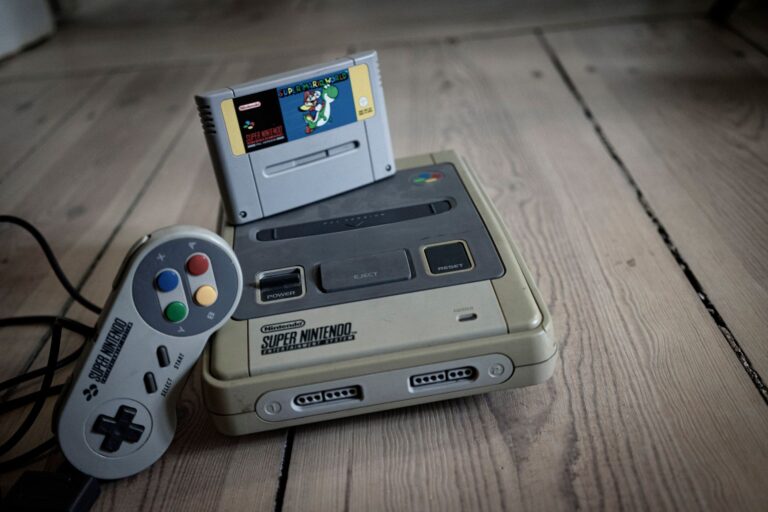
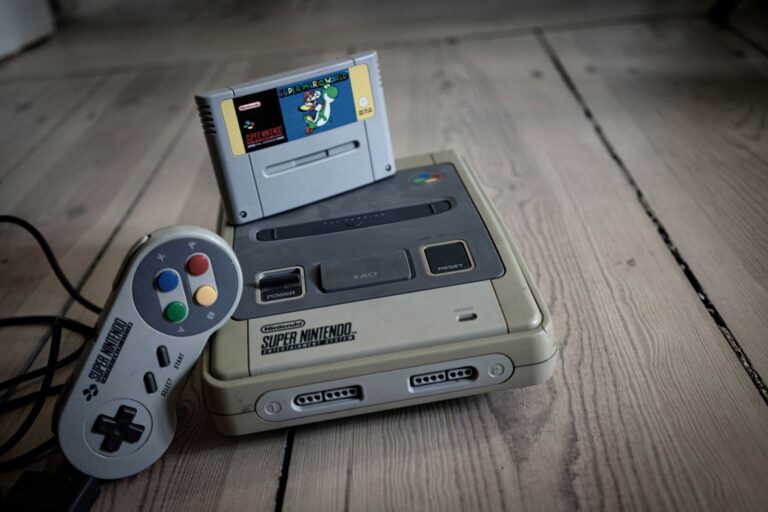
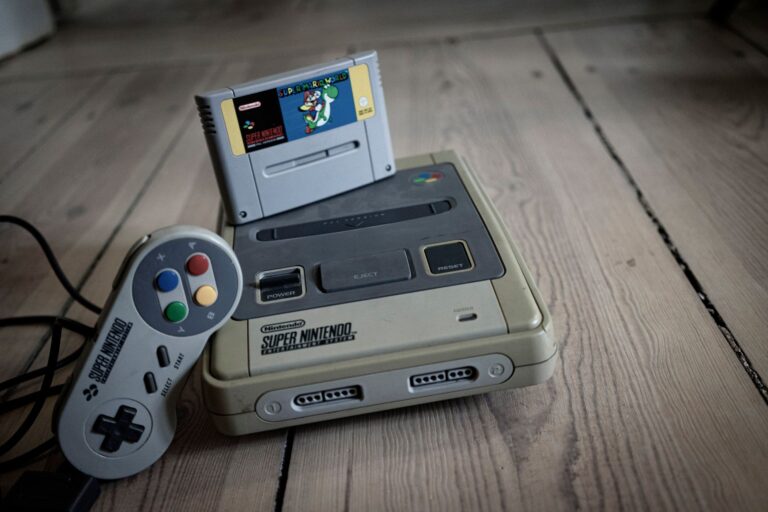
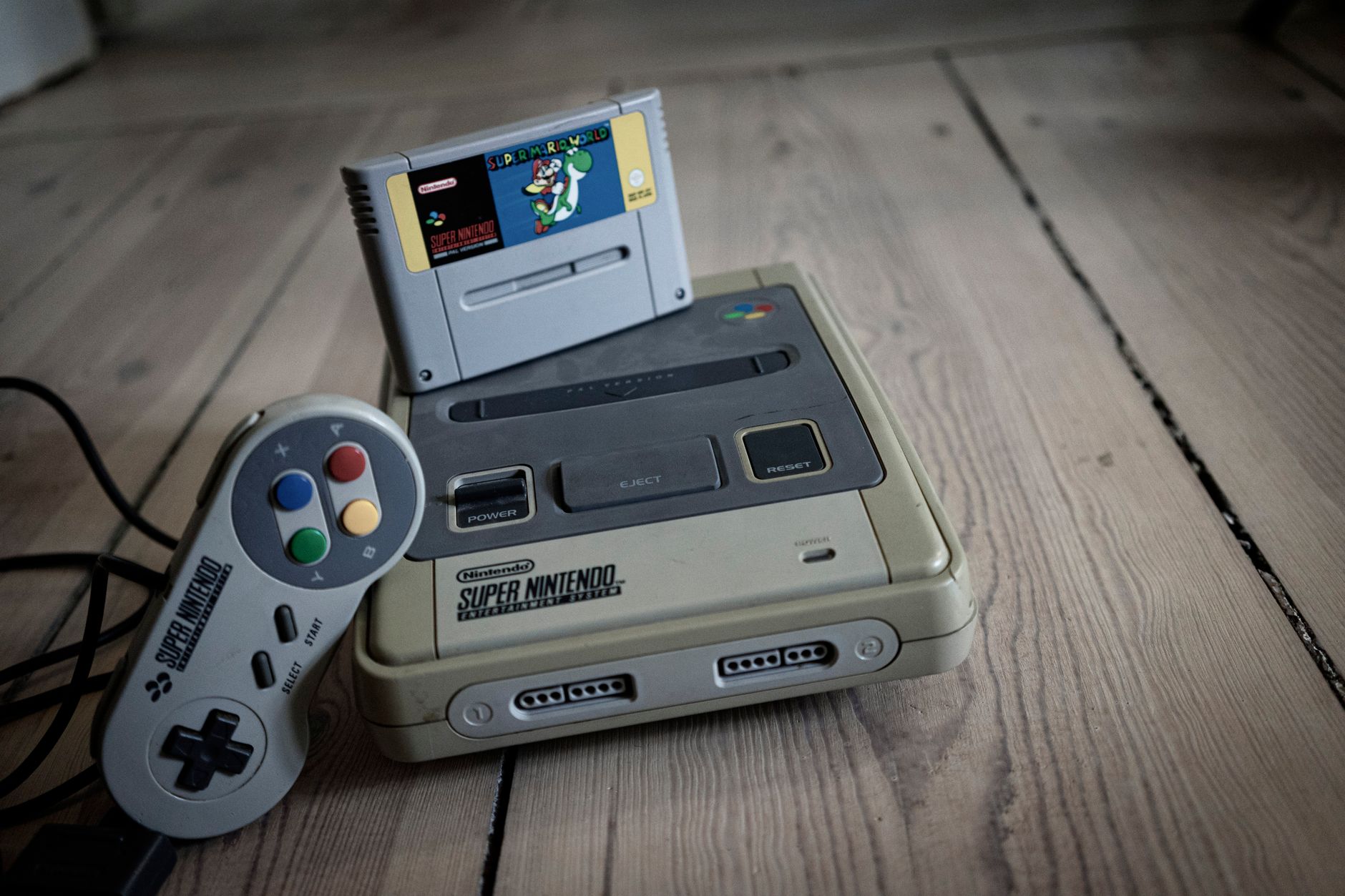
Vintage home consoles from the third through fifth generations rely on a non-interlaced visual signal widely known as 240p. Unlike standard-definition broadcast television signals that interlace two alternating fields to form a single image, this progressive format draws 240 distinct horizontal lines per frame at roughly sixty frames per second. Consoles such as the Nintendo Entertainment System, Super NES, Sega Mega Drive, and Sony PlayStation output this timing natively, creating the iconic visual structure that vintage television phosphors were designed to display. When routing these consoles through basic composite connections, however, color and luminance data bleed together across a single path, resulting in blurry outlines, washed-out palettes, and noticeable video artifacts.
Upgrading to an RGB SCART cable represents the single most impactful analog improvement for these vintage systems. The classic European 21-pin SCART standard isolates individual Red, Green, and Blue color channels alongside dedicated synchronization lines, bypassing the muddy composite video encoding entirely. Delivering an untouched RGB signal yields razor-sharp pixel edges, saturated colors, and deep contrast across hardware like the Mega Drive and PlayStation 1. For anyone routing authentic hardware into modern video equipment, an individually shielded, clean RGB SCART cable serves as the vital foundation, providing an artifact-free source signal that downstream processors require for accurate scaling.
CRT Displays and Modern Upscalers: Achieving Lag-Free Authenticity
Cathode ray tube monitors remain the undisputed benchmark for retro visual presentation because they process analog scan signals instantly. Because a CRT draws each scanline progressively without needing frame-buffering memory, the display introduces practically zero input lag, ensuring your controller inputs translate to on-screen actions with instant responsiveness. The physical beam of electrons striking internal phosphors also leaves thin unlit spaces between lines, creating natural scanlines that smooth out raw low-resolution artwork without degrading sprite definition. For purists chasing authentic reaction timings in demanding platformers, a quality consumer television or professional monitor delivers unmatched motion clarity and zero latency.
Modern flat-panel displays, by contrast, frequently mistake legacy 240p signals for 480i interlaced video, introducing severe motion blur, incorrect deinterlacing artifacts, and heavy latency. Bridging this technological gap requires dedicated hardware upscalers such as the RetroTink family, which sample analog video signals line-by-line and translate them directly into clean, high-definition digital streams. These specialized processors preserve crisp pixel geometry, introduce negligible processing lag, and generate customizable scanline filters that replicate the physical phosphor masks of classic displays. Pairing original hardware or circuit-accurate FPGA systems with a dedicated upscaler offers an accessible, space-saving alternative to heavy tube televisions while preserving true presentation authenticity.
Configuring Software Emulators: RetroArch, Cores, and Required BIOS Files
RetroArch serves as the gold-standard open-source front end for multi-system retro software emulation, streamlining dozens of distinct gaming platforms beneath a unified user interface. By relying on libretro cores, RetroArch allows players to run specialized, independently maintained emulation software for individual consoles across platforms ranging from PC and Linux machines to mobile devices and the Steam Deck. Each core can maintain its own bespoke video configurations, controller mappings, and specialized shader stacks that recreate phosphor bloom and scanlines. Furthermore, players gain access to critical quality-of-life additions such as save states, which capture instant snapshots of system memory for fast reloading, complementing traditional in-game save files.
Accurate emulation beyond standard 16-bit systems depends heavily on providing authentic BIOS files. While basic consoles store firmware primarily on game cartridges, advanced platforms like the original PlayStation, Sega CD, and PlayStation Portable require legitimate console BIOS dumps to boot software, initialize memory cards, and calculate sound routines. Because these system firmware files remain proprietary, they must be dumped directly from original hardware you own and placed into RetroArch’s designated system folder with exact filename matching. Verifying that each libretro core detects its corresponding firmware image guarantees maximum compatibility, stable audio timing, and an authentic boot experience across your entire virtual library.
FPGA Hardware Solutions: Cycle-Accurate Alternatives to Emulation
Field-Programmable Gate Arrays represent a distinct paradigm shift from conventional software emulation by recreating vintage console circuits directly at the silicon level. Rather than asking a standard desktop processor to interpret and translate instructions through an abstract software layer, an FPGA chip configures its internal logic gates to match the physical architecture of original microprocessors like the Ricoh 2A03 or Motorola 68000. Platforms such as the open-source MiSTer project and specialized commercial hardware like the Analogue Pocket leverage this reprogrammable silicon to deliver cycle-accurate timing. Because each virtual chip within the core runs simultaneously just as discrete components did on original circuit boards, the system eliminates the intermittent timing hiccups and audio de-synchronization common to software pipelines.
The primary practical benefit of choosing an FPGA platform is the radical reduction of input latency, matching the instantaneous response times of vintage consoles. While software emulators require operating system overhead, audio buffering, and frame queue management that introduce millisecond delays, FPGA implementations process controller inputs and video signals line by line without buffer bloat. Enthusiasts must weigh this uncompromising accuracy against entry expenses, as dedicated FPGA hardware and add-on I/O boards cost significantly more than running software front ends on existing PC or SBC hardware. For players dedicated to speedrunning, twitch platformers, and rhythm titles, investing in cycle-accurate silicon provides the most authentic, lag-free alternative to maintaining a shelf full of fragile original hardware.
Flash Carts and EverDrive: Running ROM Libraries on Original Consoles
A flash cart serves as a bridge between modern digital storage and legacy cartridge slots, allowing original consoles to load software backups from removable microSD cards. Renowned developer Krikzz established the benchmark for this technology with the EverDrive lineup, supplying dedicated cartridges for systems ranging from the 8-bit NES (EverDrive N8) and Game Boy (EverDrive-GB) to the Super Nintendo, Sega Genesis, and Nintendo 64. When inserted into a console, the flash cart presents a clean boot menu on screen, loads the chosen ROM image directly into high-speed onboard memory, and presents that data to the console’s main bus. The authentic console hardware reads the memory identically to an original retail release, preserving stock execution speeds, color output, and audio reproduction.
Modern flash cartridges provide transformative quality-of-life additions while safeguarding valuable physical cartridges from connector wear. Premium flash carts house specialized memory management chips and field logic to support complex co-processors, alongside built-in battery-backed memory that automatically backs up regular in-game saves directly to your SD card. Selected models also introduce in-game menus, cheat code engines, and instantaneous save states, letting you preserve your exact game position mid-level on real retail silicon. This setup delivers the ultimate hybrid retro gaming configuration: the tactile satisfaction, original controller ergonomics, and electrical accuracy of vintage hardware paired with frictionless access to complete software libraries.
Handheld Screen Upgrades: Enhancing Classic Consoles with IPS Kits
Vintage portable consoles like the original Game Boy, Game Boy Pocket, and Game Boy Color were severely constrained by the display technology of their era, relying on non-backlit reflective LCD screens that required direct ambient lighting to be visible. Installing an aftermarket IPS kit transforms these vintage handhelds by replacing the dim, low-contrast factory panel with a vibrant In-Plane Switching liquid crystal display. These replacement kits produce piercing color saturation, deep black levels, and wide viewing angles that expose fine pixel art hidden by original hardware limitations. Modern kits also include onboard display processors that feature adjustable backlight brightness controls, retro pixel-grid filters, and multiple selectable color palettes that recreate classic monochrome or pea-soup green aesthetics with modern clarity.
Installing an IPS upgrade kit is an approachable hardware modification, though it demands patient preparation and careful handling of delicate ribbon cables. While newer revisions offer pre-laminated glass lenses that mount directly into modern replacement shells without trimming, most kits still require light soldering to connect one to three thin wires for on-screen menus, brightness touch sensors, or power management. Anyone attempting this mod should disconnect battery terminals, use low-temperature flux-core solder, and test the panel assembly before sealing the console housing. Upgrading original handheld hardware with an IPS panel eliminates eye strain entirely, turning forty-year-old portable designs into radiant daily machines that rival modern boutique handhelds.