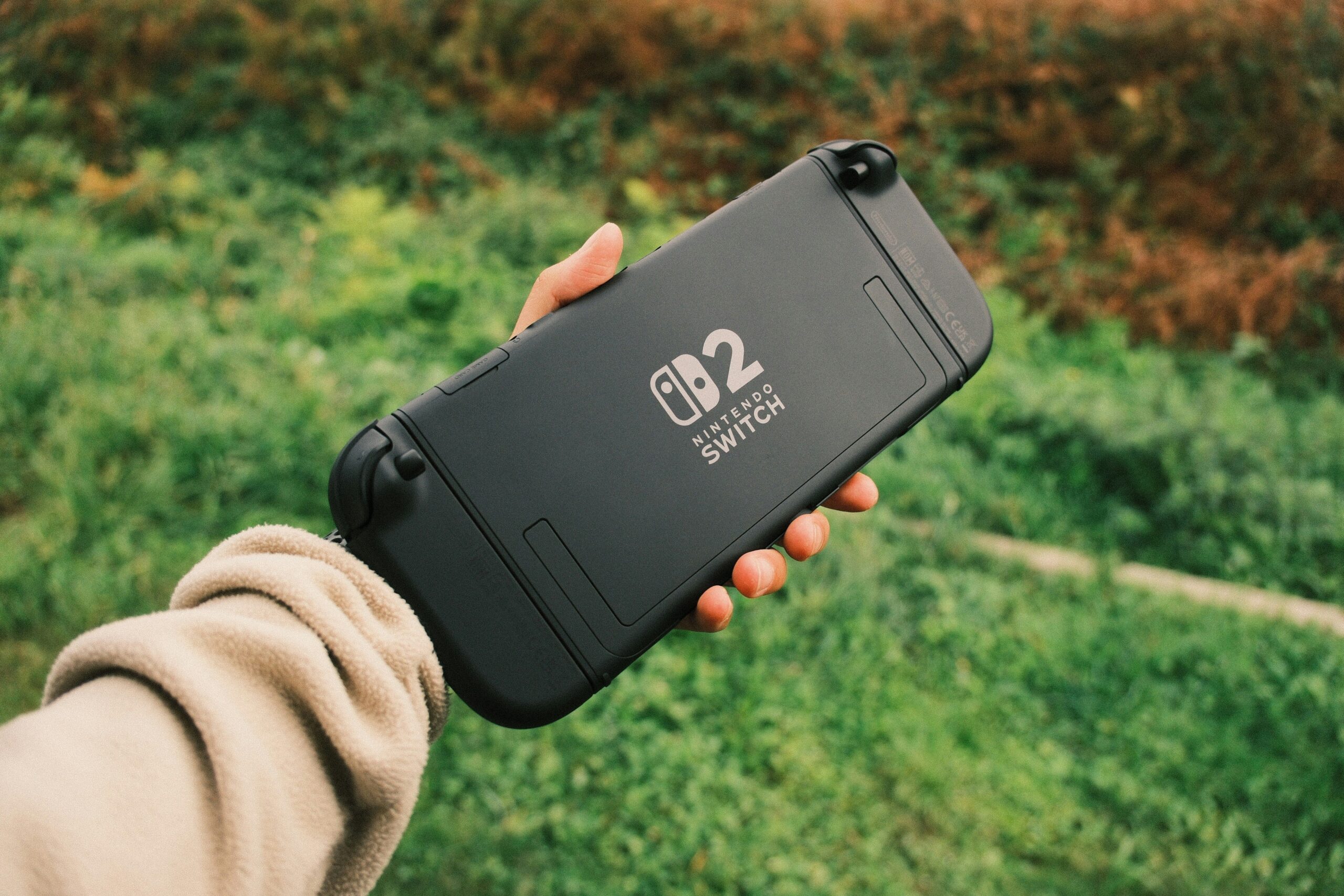

The Nintendo Switch did something no console had managed before it. It made retro gaming feel normal. You do not need a spare CRT, a stack of cartridges or a soldering iron to play the classics, you need a Switch, a subscription and a few minutes of your evening. The games that defined your childhood now sit in a menu alongside modern releases, and the Switch 2 has only pushed that further. But the honest truth is that the retro library on the Switch is bigger, messier and easier to get wrong than most people realise. This guide is the practical tour I wish I had when I started: what Nintendo Switch Online actually includes, which retro collections are worth buying, what the Switch 2 changes, and how to get the most out of old games on modern hardware without wasting money.
Nintendo Switch Online: The Foundation of Retro Gaming on Switch
If you want retro games on the Switch, Nintendo Switch Online is where you start, and it is the best value in retro gaming today. The basic subscription, around twenty euros a year, includes a growing library of NES, SNES, Game Boy and Game Boy Color games that you can play as much as you want, with save states, rewind and online play for supported titles. The Expansion Pack, around forty euros a year, adds N64 and Sega Mega Drive games, plus DLC for modern titles. The honest take is that the basic tier is a bargain and the Expansion Pack is only worth it if you actually care about the N64 and Mega Drive libraries, which are smaller and more inconsistent than the SNES and NES ones. What matters most is that every game in the service is legal, supported and updated, which puts it ahead of every other way to play retro games on the console.
What Games Are Actually on the Service
The NSO library is bigger than most people think, and smaller than Nintendo’s marketing suggests. The NES and SNES collections are the strong point, with the essential classics: Super Mario Bros., The Legend of Zelda, Metroid, Donkey Kong Country, Super Metroid, Final Fantasy and dozens more. The Game Boy and Game Boy Color games are the quiet success story, with Tetris, Kirby, and a solid run of RPGs, and they work beautifully in handheld mode. The N64 selection is where opinions split, with Super Mario 64, Ocarina of Time and Mario Kart 64 present, but the emulation quality and the limited catalogue leave room for complaint. The Mega Drive library is the thinnest, with the big Sega hits like Sonic, Streets of Rage and Gunstar Heroes, but missing many cult classics. The honest verdict: if you grew up with NES, SNES or Game Boy, the service covers you completely. If you are an N64 or Mega Drive completionist, check the current list before subscribing.
The Classic Games Menu, Explained
The service is organised into separate apps, and understanding the menu saves you a lot of frustration. The Classic Games section is where you find everything, but each console has its own dedicated app: the NES app, the SNES app, the Game Boy app, the N64 app and the Mega Drive app. You download each app once, then browse its library, and every game lives inside that app rather than in your main menu. The good news is that the apps have the features that make retro games playable today: save states that let you save anywhere, rewind that undoes your last seconds, and fast-forward for tedious sections. The not-so-good news is that games are not resizable and do not support CRT filters in every app, and the quality of the emulation varies by console. Learn where each game lives, and the service becomes much easier to live with.
Retro Collections Worth Buying on the eShop
Beyond the subscription, the eShop is full of retro collections, and some are genuinely excellent while others are cash grabs. The Sega Ages line is the gold standard, with arcade-perfect ports of OutRun, Sonic and Virtua Racing, each with modern extras like rewind and high-score challenges. The Capcom Arcade Stadium and Arcade Stadium 2 packs are the best way to play arcade classics, with hundreds of games from Ghosts n Goblins to Street Fighter II, though the menu and microtransaction structure annoy some players. The Castlevania Anniversary Collection, the Contra Anniversary Collection and the Mega Man Legacy Collection are all excellent for their respective franchises. The ones to avoid are the cheap multi-game compilations from unknown publishers, which are often low-quality emulation bundles with no extra features. The honest rule: buy collections from the original publishers, and treat everything else with suspicion.
Single Retro Games Worth Their Price
Sometimes you do not need a collection, you need one game, and the Switch eShop has some of the best single retro releases ever made. Super Mario 3D All-Stars, when it was available, bundled three classics, but the game you can still buy today and the one you should not skip is Sonic Mania, a brand-new game built on retro physics that plays better than most actual retro titles. Street Fighter 30th Anniversary Collection covers the arcade fighting games, Shovel Knight is a modern game designed like a NES classic, and Celeste is the best modern platformer on the console. For genuine retro releases, the Sega Ages single titles are superb, and the Neo Geo Pocket Color Selection covers the forgotten handheld. The honest advice is to research any single retro purchase, because the eShop lists everything together and the difference between a faithful port and a lazy one is huge.
The Switch 2 Difference: What Changes for Retro Gaming
The Switch 2 changes the retro picture in two important ways. First, the hardware is more capable, which means the Classic Games apps run with better emulation, faster loading and, on some titles, improved resolutions that make NES and SNES games look sharper on big screens. Second, the Switch 2’s larger library and the Gameshare feature change how you access old titles, and Nintendo has confirmed that your NSO subscription and your existing retro games carry over to the new console. The honest take is that Switch 2 owners get the same games with better polish, not new exclusives, and the retro experience on the Switch 2 is an upgrade of the same formula rather than a reinvention. If you already have a Switch, there is no retro-specific reason to rush the upgrade, but if you are buying new, the Switch 2 is the better machine for playing old games on a modern display.
Retro Games on Switch vs Emulation: The Honest Comparison
This is the question every player asks, and the honest answer is that both approaches have a place. Emulation on a PC or a Steam Deck gives you access to the entire history of gaming, with filters, shaders and performance options that nothing official matches, but it sits in a legal grey area and requires setup. The Switch’s official route is legal, effortless and safe, with save states, rewind and online play built in, but the library is curated and limited to what Nintendo and its partners choose to release. For the casual player who wants to play Super Mario World on the sofa, the Switch is the better choice. For the enthusiast who wants every game ever made with CRT shaders, emulation wins. The honest recommendation is to use the Switch for the classics you love and treat it as the legal foundation, then only look elsewhere for what the official route cannot offer.
Game Boy and Handheld Classics: The Switch Advantage
One area where the Switch genuinely beats every other retro option is handheld gaming. The Game Boy and Game Boy Color library on NSO plays beautifully on the Switch’s screen, and with the console’s portability, you are effectively carrying a Game Boy with a library of hundreds of games in your bag. The screen is larger and brighter than any original handheld, the save states and rewind make brutal sections manageable, and the sleep function means you can drop a game and return to it hours later exactly where you left it. The Switch 2 improves this further with a bigger screen and better battery life. For the Game Boy generation, the Switch is the best way to play those games, full stop, and it is the honest reason many players subscribe to NSO in the first place.
Controller Options for Retro Games on Switch
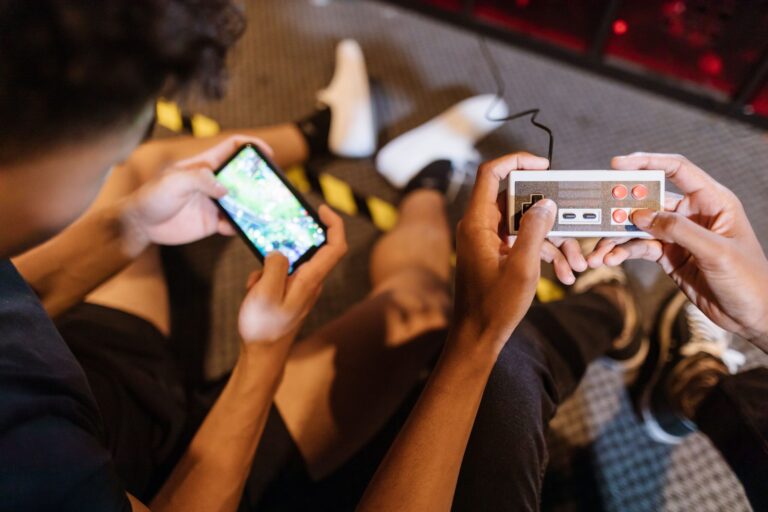
Playing retro games with a modern controller is fine, but the right controller makes the classics feel right, and the Switch has more options than you might think. The official NSO controllers, sold for each classic console, are faithful recreations of the NES, SNES, N64 and Mega Drive pads, with wireless connectivity and perfect layouts, and they work on the Switch and the Switch 2. They are expensive and often hard to find, but for authenticity they are unmatched. The 8BitDo range offers cheaper alternatives, with the SN30 Pro covering most retro needs and the M30 being the best Sega-style option. For handheld play, the Joy-Cons are perfectly usable for NES and SNES games, and the SNES layout works fine for most titles. The honest advice is to buy the official N64 controller if you play N64 games seriously, and use the Joy-Cons or an 8BitDo pad for everything else.
How to Get the Most from Your Subscription
A few practical habits make the NSO service dramatically better, and they are worth learning early. First, use the rewind feature on every game, it is the single best quality-of-life feature in retro gaming and it removes the frustration of pixel-perfect jumps. Second, create save states before difficult sections, and you will never lose progress again. Third, explore the app settings, because each console app has its own display options, and the NES app’s scanline filter makes a real difference on a TV. Fourth, check the NSO apps for new additions, Nintendo adds games a few times a year, and the announcements are easy to miss. Fifth, if you are on the Expansion Pack tier, use the Mission Mode in the N64 games, which gives you structured challenges that make the older titles feel fresh. These five habits turn the service from a curiosity into the best retro library you own.
| Retro option | Cost | Library size | Best for |
|---|---|---|---|
| NSO basic | ~€20/year | 100+ NES, SNES, GB, GBC | The essential classics |
| NSO Expansion Pack | ~€40/year | Adds N64 and Mega Drive | N64 and Sega fans |
| Sega Ages line | ~€7 each | Arcade classics | OutRun, Sonic, Virtua Racing |
| Capcom Arcade Stadium | Free, games €2 each | 100+ arcade games | Arcade collections |
| Anniversary Collections | ~€15-20 | Castlevania, Contra, Mega Man | Franchise fans |
| Emulation (PC/Steam Deck) | Free | Everything | Enthusiasts, shaders |
Frequently Asked Questions
Do I need Nintendo Switch Online to play retro games on Switch?
For the classic console libraries, yes. The NSO subscription is the only way to play NES, SNES, Game Boy, N64 and Mega Drive games on the Switch, and it is also the best value. Retro collections on the eShop are separate purchases and do not need a subscription.
Which Switch retro games are free?
No retro games are permanently free, but several NSO games rotate into limited-time trials, and the Capcom Arcade Stadium base app is free to download with a small selection. The full classic libraries require the NSO subscription, which is around twenty euros a year.
Will my retro games work on the Switch 2?
Yes. Your NSO subscription, the Classic Games apps and your purchased retro games all carry over to the Switch 2, and most titles get improved emulation and faster loading on the new hardware.
Is the Expansion Pack worth it?
Only if you care about the N64 and Mega Drive libraries. The N64 catalogue is small but includes the essential games, and the Mega Drive selection is thinner. If you mainly want NES, SNES and Game Boy games, the basic tier covers everything.
Can I play Game Boy games on the Switch?
Yes. The Game Boy and Game Boy Color library is part of the NSO basic tier, with save states, rewind and online play, and it plays beautifully in handheld mode on both the Switch and the Switch 2.
Are there CRT filters on the Switch retro apps?
Some. The NES and SNES apps have scanline and other display options, while the N64 and Mega Drive apps offer fewer display settings. The filters are decent but not as deep as what emulators offer.
The Library in Your Pocket
After years of collecting original hardware and cartridges, this is the honest conclusion I keep landing on. The Switch has become the most practical retro console ever made, not because it plays everything, but because it plays the games that matter with the features that make them playable. The subscription model took time to accept, but the result is a library you carry everywhere, with rewind, save states and online play that no original hardware can match. The Switch 2 makes it better. The collections on the eShop fill the gaps. And if you want more, the door to emulation is always there. Start with the classics on NSO, buy the collections from the publishers you trust, and you will have more retro gaming in your pocket than you had in your bedroom in the 90s.