
Yes, you can play retro games online right now, in a browser tab, without installing a single file — and no, it does not have to be illegal. The catch is that the online retro world is split between fully licensed services and sites that host games they have no rights to. Knowing the difference takes five minutes, and it determines whether you are playing a legal classic or downloading pirated software. This guide covers the browser emulators, the licensed platforms, and the practical details — controllers, save states, multiplayer — that make online retro gaming actually good in 2026.
The Legal Line Nobody Explains Clearly
Let’s get the uncomfortable part out of the way first, because every other section depends on it. Browser emulators are software, and software that recreates old hardware is legal. Courts settled this decades ago: an emulator written from clean-room documentation does not infringe on any console copyright. The problem has never been the emulator. The problem is the game files.
Playing retro games online is legal when the game files are authorized; the browser is not the issue, the source is. A site that lets you click and play a commercial NES game for free is almost certainly distributing a ROM without permission. The moment you load that game, you are on the wrong side of copyright law, no matter how old the cartridge is. Copyright does not expire because a game is thirty years old, and “abandonware” is a community term, not a legal category. Nintendo, Sega, and Capcom have all sent takedown notices for decades-old ROMs, and they can do the same to the sites you visit.
That does not mean online retro gaming is a trap. It means you have to choose your source. The good news: there are more legal sources today than at any point in the history of the hobby.
Why Browser Emulation Changed Everything
Browser emulation sounds like magic, but it is just engineering. The emulators you know from desktop — the libretro cores behind RetroArch, the MAME drivers for arcade boards — have been compiled to WebAssembly, the bytecode format that every modern browser executes natively. The result is that a SNES emulator that once ran as a desktop app now runs inside a single web page, at full speed, on Windows, macOS, Linux, Android, and iOS alike.
The practical consequences are bigger than the technical ones. There is nothing to install, which removes the biggest barrier for newcomers. There is nothing to configure — most browser players autodetect your gamepad and load a sensible core. Save states are stored locally, so you can close the tab and resume a game later. And because the emulator runs on your device rather than on a server, input latency stays close to what you would get from a native app.
Projects like EmulatorJS made this technology available to any web developer, which is why the number of browser-based retro players exploded. Free browser emulators are not piracy tools — they are the same open-source preservation software the community has used for decades, wrapped in a web page. The emulator is neutral. The game files are what you have to think about.
The other thing that improved quietly: the visuals. Browser emulators now ship the same display options you expect from desktop apps — scanline overlays, CRT shaders, integer scaling, and aspect-ratio correction for the original pixel grids. A game that looks like a blurry window by default can be made to look like it is running on a proper monitor from 1991, with two clicks. You rarely get that treatment on official collections, which is one reason experienced players keep going back to the emulators.
The Legal Ways to Play Retro Games Online Today
If you want zero legal risk and maximum convenience, these are the options that actually work in 2026:
- Antstream Arcade — a subscription service that streams more than a thousand licensed retro titles to your browser, PC, phone, and consoles. You pay a monthly or yearly fee, the platform handles the rights, and the games are streamed to you. This is the closest thing to a “Netflix for retro games” that exists, and it includes achievements and daily challenges.
- Nintendo Switch Online — the classic Nintendo libraries, officially licensed: NES, Super Nintendo, Game Boy, and Nintendo 64 games included with the membership. Not in a browser, but the benchmark for legal retro access on a modern platform.
- Official compilations — Sega Mega Drive Classics, Capcom Arcade Stadium, the Atari 50 collection, and dozens of similar bundles are sold on Steam, PlayStation, Xbox, and Switch. You buy the collection once and the entire library is licensed.
- GOG.com — the best legal source for classic PC games, from DOS era to early 3D, DRM-free and patched to run on modern systems.
- itch.io and homebrew communities — thousands of new games made for old hardware, distributed legally by their creators, often for free. If you want to play “new retro” without any copyright questions, this is the cleanest corner of the scene.
- PlayStation Plus Classics and Xbox backward compatibility — Sony and Microsoft both keep licensed back catalogs on their subscription and storefronts, covering the PS1, PS2, and original Xbox generations.
Here is the honest summary: the safest way to play retro games online is a licensed service — you pay, the platform handles the rights, and nobody has to argue about abandonware. Free browser emulators are for games you already own, for homebrew, and for public-domain software. That split covers almost every legitimate use case.
Free and Legal: Retro Games You Can Play Right Now
If you do not want to pay anything, the legal corner of online retro gaming is bigger than most people think. It just does not advertise itself as loudly as the pirate sites. The foundation of the free-and-legal scene is homebrew: games written for old hardware by independent developers who release them freely. The NES, Game Boy, and Mega Drive homebrew communities alone have produced hundreds of complete, original games over the last decade, and they are playable today in any browser emulator with zero legal doubt.
On the PC side the situation is even better, because several genuinely classic games have been officially released as freeware by their publishers. Doom’s first episode has been freely distributed by id Software for decades. Cave Story, one of the most influential independent games ever made, has always been freeware. Beneath a Steel Sky and Flight of the Amazon Queen are classic point-and-click adventures released as freeware by Revolution Software. Add the public-domain arcade clones and the free game archives on itch.io, and you have a legal library of hundreds of titles that runs entirely in your browser.
You can play retro games online for free, legally, right now — the freeware and homebrew libraries are larger than most players realize. Nobody is doing you a favor by hosting commercial ROMs; these creators are doing you a favor on purpose, and they are the ones worth supporting.
The Best Browser Emulators Compared
Not all browser emulators are equal. Some are single-purpose web players, some are full desktop apps with a web companion, and some are services that bundle legal streaming. Here is how the main options compare:
| Emulator / service | Systems covered | Controller support | Save states | Where it runs | Best for |
|---|---|---|---|---|---|
| EmulatorJS-based web players | NES, SNES, Genesis, GB/GBA, PS1 | Yes, via Gamepad API | Yes, stored locally | Any modern browser | Quick sessions with no install |
| RetroArch (desktop) | Hundreds of libretro cores | Yes, with full remapping | Yes, per game | Windows, macOS, Linux, Android, iOS | Serious emulation with every option |
| MAME / FinalBurn Neo (via Fightcade) | Arcade boards | Yes | Yes | Desktop | Arcade fighters and online matchmaking |
| Antstream Arcade | 1000+ licensed titles | Yes | Yes, cloud saves | Web, PC, mobile, consoles | Fully legal streaming, no files |
| Official console apps | NES, SNES, N64, GB, PS1, PS2 | Yes | Yes, plus rewind | Switch, PS4, PS5, Xbox | Playing the classics on the couch |
My rule of thumb after testing all of these: use a browser player for a quick nostalgic session, use RetroArch when you want precise control and settings, and use a licensed service when you want to play something specific without asking “is this one legal?”
How to Use a Controller in Your Browser
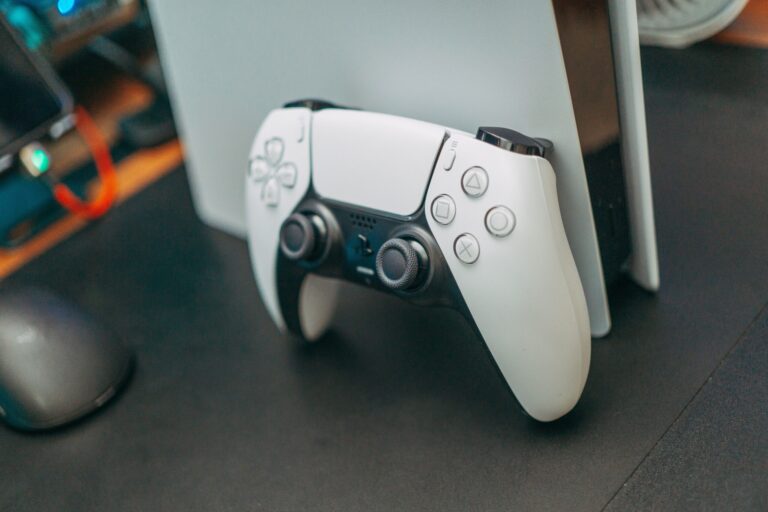
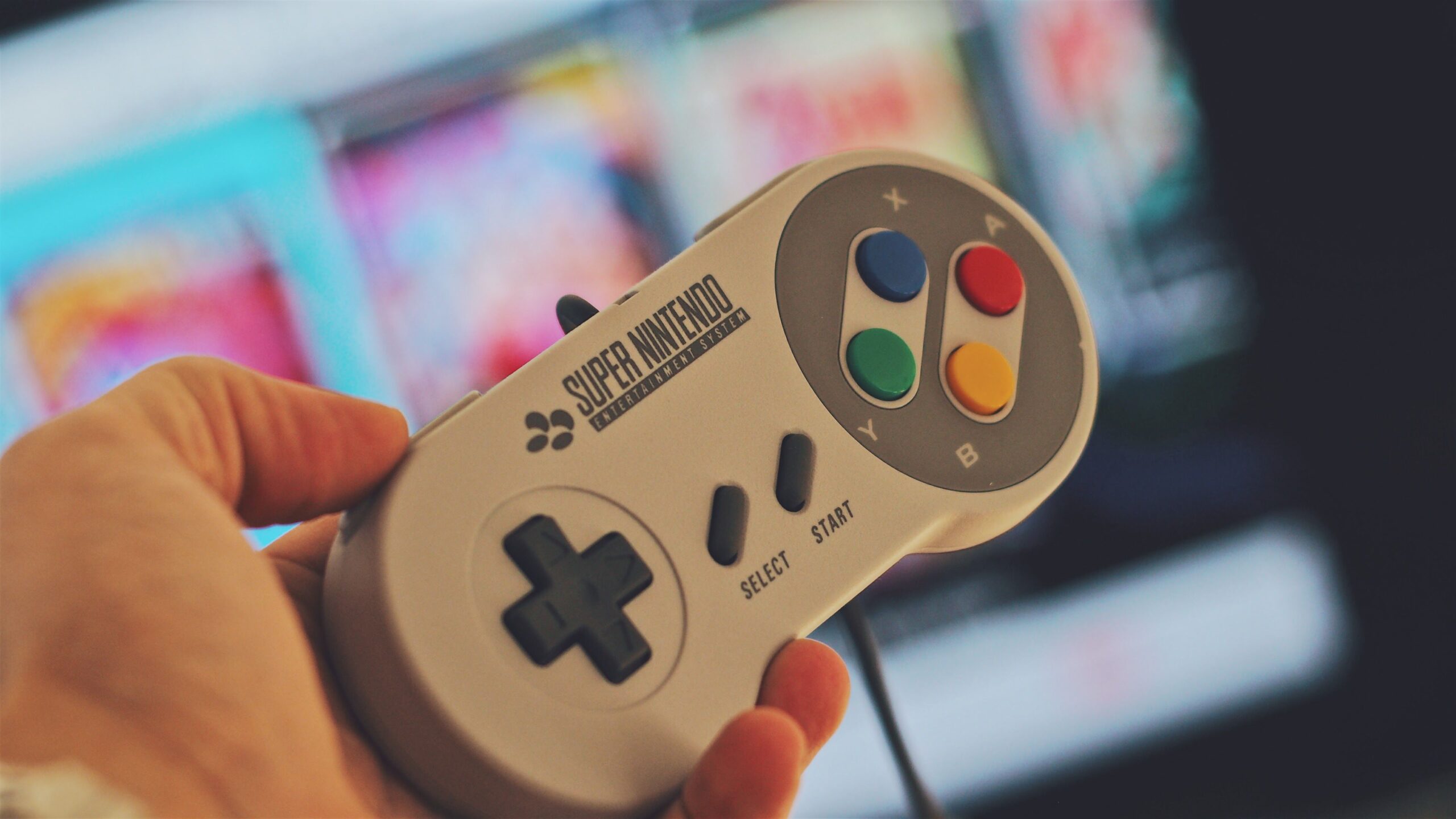
Playing a platformer with a keyboard is a one-way ticket to frustration, and it is the first thing people assume is impossible in a browser. It is not. Modern browsers implement the Gamepad API, which means any USB or Bluetooth controller is detected by the page and mapped to the emulator automatically.
The setup takes about thirty seconds. Plug in a USB pad or pair a Bluetooth one — a PS4, PS5, Xbox, Switch Pro, or 8BitDo controller all work — and open the retro game site of your choice. Most web players detect the controller immediately and map the buttons to the console layout. If the mapping feels wrong, look for the input or settings menu; nearly every EmulatorJS-based player lets you rebind buttons per game.
On a phone or tablet, the story is the same. Android and iOS browsers support the Gamepad API, so a Bluetooth controller pairs directly with the browser session. Touch controls exist as a fallback, but they are a last resort for anything beyond turn-based games. Your browser already supports game controllers — the Gamepad API means USB and Bluetooth pads work on nearly every modern retro game site. If a site ignores your pad, the problem is the site, not your setup.
If you do not own a pad, keyboard mapping is a workable fallback for many games — arrow keys or WASD for the d-pad, with the action buttons mapped to the keys you are comfortable with. Every browser player worth using lets you rebind these. For puzzle games and turn-based RPGs the keyboard is completely fine; for platformers and shooters, find a pad. And if a game supports remapping internally, like most RPGs do, set it once and the emulator remembers it for the next session.
Save States, Cheats, and Playing with Friends
Online retro gaming is not just a solo nostalgia trip; the social features are genuinely good now. Let’s cover the three features people ask about most.
Save states. Browser emulators store saves in your browser’s local storage, which means you can quit mid-game and resume exactly where you stopped. The limitation is real, though: local storage is tied to that browser profile and device. Clear your browser data and your saves go with it. For permanent storage, licensed services like Antstream keep cloud saves, and desktop RetroArch lets you back up saves as plain files.
Cheats. Most retro cores support the same cheat code formats the community has used for twenty years. RetroArch has a built-in cheat manager for its cores, and several browser players expose cheat menus for common systems. If you remember a Game Genie or Pro Action Replay code from your childhood, it will likely still work on the emulated version.
Multiplayer. This is where online retro gets interesting. RetroArch has built-in netplay, which synchronizes two instances of a game over the internet — you and a friend can play Super Mario World or Streets of Rage together as if you were sharing a couch. For arcade fighting games, Fightcade is the community standard: it pairs the MAME and FinalBurn Neo emulators with online matchmaking, rollback netcode, and ranked ladders. The games need to be yours to own, but the infrastructure is free and open. Retro online multiplayer is real: RetroArch netplay and Fightcade both deliver playable, latency-friendly sessions today.
One honest note on latency, because it is the thing that decides whether online multiplayer feels good or feels broken. Rollback netcode, the technique that hides network delay by predicting inputs, has turned fighting games from a latency lottery into a playable experience, and Fightcade was one of the first scenes to prove it outside the pro circuit. Co-op platformers on RetroArch netplay are more forgiving by nature. The rule of thumb: wired internet, wired controller, and a friend within your own continent, and you will forget the games are decades old.
Free vs Paid: What Each Option Actually Costs
The “free” label on a retro game site usually means someone else is paying the legal cost. That is the trade-off you are really making, so here is the honest price comparison:
- Free browser emulators — €0 upfront, but you must bring your own games: homebrew, public-domain titles, or games you already own. The emulator itself costs nothing and is legal.
- Official re-releases and compilations — a few euros per game or 20–30 euros per collection, bought once, licensed forever. The best value if you have a short list of favorites.
- Subscription services (Antstream, Switch Online, PS Plus) — 4–10 euros per month depending on the tier. Unlimited access to a licensed library while subscribed; your access ends if you cancel.
- Free sites with commercial ROMs — €0, and the reason it is free is that the copyright holders are not being paid. That is not a deal, it is a risk you are absorbing for the site owner.
Nobody here is your parent, but the math is simple: if you play more than a handful of retro games a year, a subscription is cheaper than the guilt-free alternative, and it removes every legal question from the table.
Frequently Asked Questions
Is it legal to play retro games online?
It depends on where the games come from. Browser emulators are legal software, and licensed services, official re-releases, and homebrew are legal sources. Playing commercial ROMs hosted on free websites is not legal, because the game files are distributed without authorization.
Do I need to download anything to play retro games in a browser?
No. WebAssembly emulators run entirely inside the web page, on any device. Save states are kept in the browser’s local storage, so you can close the tab and come back later. For controllers, the Gamepad API handles USB and Bluetooth pads without drivers.
Can I play retro games online with friends?
Yes. RetroArch includes built-in netplay for synchronized multiplayer, Fightcade offers online matchmaking for arcade fighting games, and some browser players support session-based multiplayer for casual games. A wired connection or low-latency Wi-Fi keeps everything smooth.
Will browser emulators work on my phone?
Yes. Modern Android and iOS browsers support WebAssembly and the Gamepad API, so a Bluetooth controller pairs directly with the browser session. Touch controls are available as a fallback, but they work best for slower games.
What is the best free way to play retro games online?
The best legal free option is homebrew and officially released freeware, played through any EmulatorJS-based browser player. The best free option overall, if you already own the games, is RetroArch with your own legally obtained ROMs. The option that costs nothing upfront but is not legal is any site hosting commercial ROMs — and that is the one to skip.
Conclusion: Your First Online Retro Session
Playing retro games online in 2026 is easier and more legitimate than it has ever been. The ecosystem has matured: open-source emulators run in the browser, licensed services cover thousands of classics, and multiplayer tools let you share the experience with friends. The only real mistake left is choosing a shady source when legal options are this close at hand.
Here is your five-minute starting plan:
- Decide what you want to play and check whether it exists on a licensed service first.
- For homebrew and public-domain games, any EmulatorJS-based browser player will do.
- Plug in a USB or Bluetooth controller — the browser will find it.
- If multiplayer matters, install RetroArch and try netplay, or join the Fightcade lobby for arcade fighters.
- If you find yourself playing every week, subscribe to a licensed service and never think about the legal side again.
The browser is not the enemy of retro gaming; it is its newest home. The tools are free, the technology is mature, and the legal options are better than they have ever been. Open a tab, plug in a controller, and play a classic tonight — the only thing you need to choose carefully is where the game comes from.